How to Collect Wedding Videos From Your Guests

Everyone plans for the photos. The professional captures the day beautifully, and the still images arrive a few weeks later. But some of the most alive moments of a wedding are not still at all. They are the aunt filming the first dance from her table, the friend who caught the speech that made the whole room laugh, the ten seconds of confetti that nobody could have staged.
Those clips live on a hundred different phones, and most of them are never seen by the couple. Not because guests are unwilling, but because there is rarely an easy way to hand them over. Texting a two minute video fails. Email compresses it. The shared album asks for an account nobody wants to make.
Here is how to make sure every one of them reaches you.
Start with one link, not an app
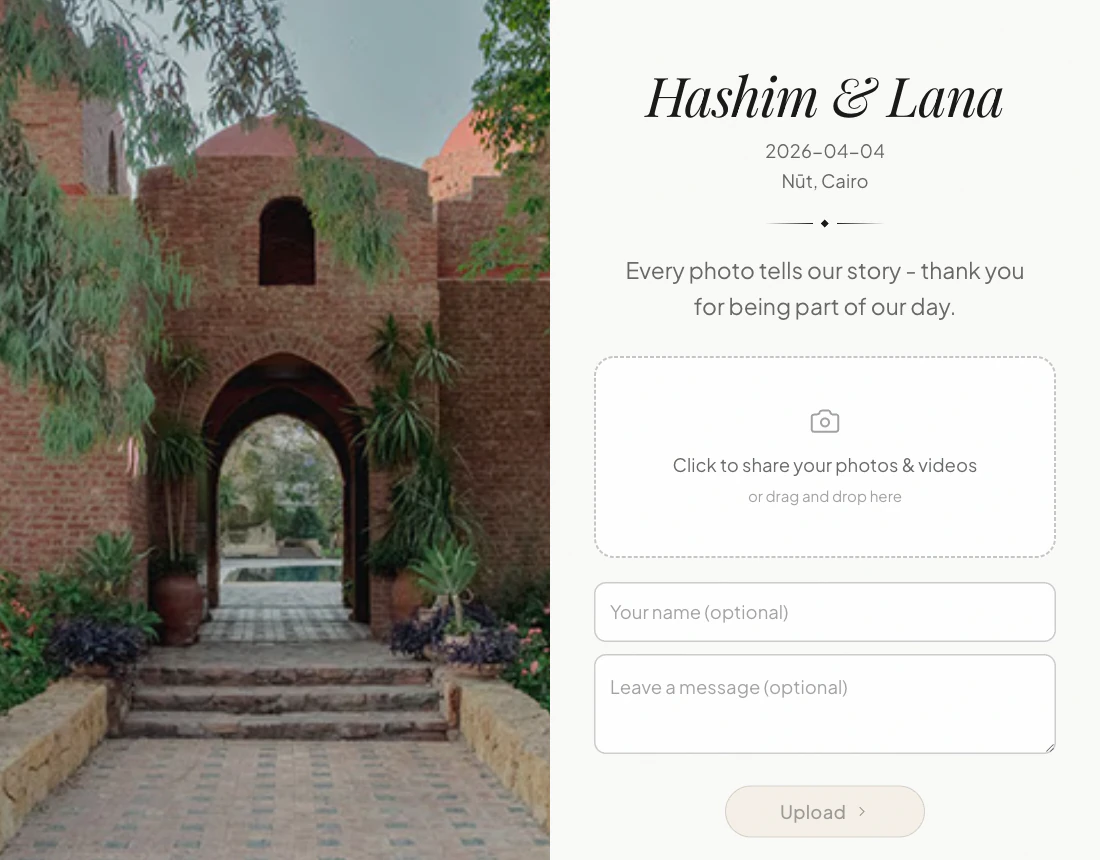
The single biggest reason guest videos go missing is friction. If collecting them requires downloading anything, most people quietly give up. So the method has to be effortless: one QR code on the table, or one link in the group chat, that opens straight in the browser.
A guest points their camera at the code, taps once, chooses the clips from their camera roll, and they upload. No account, no install, no thinking about it. That is the whole interaction. When it is that simple, people actually do it, and they do it in the moment rather than promising to send something later that never comes.
Keep the full quality
A wedding video is worth having only if it is worth watching, which means the original file, not a shrunk copy. Phone videos are large, often several hundred megabytes for a single clip in 4K, and most tools quietly compress them or cap the length to keep their own storage bills down.
Two things matter when you choose how to collect them:
- Full resolution. The clip that reaches you should be the same file the guest recorded, not a re-encoded version.
- Somewhere that will still exist in five years. A gallery that expires in twelve months is not where your wedding videos should live.
This is exactly why Glint sends every upload straight into your own Google Drive. The originals land in a folder you own, at full quality, and they stay there for as long as you keep them. There is no clock and no renewal.
A few practical touches
- Put the QR code where people already are: the tables, the bar, the back of the ceremony program. The more times a guest sees it, the more they upload.
- Ask for videos out loud once, during the reception. A single line from the host, "if you filmed anything tonight, scan the little card on your table," doubles what comes in.
- Do not wait until the end of the night. Guests upload best in the quiet moments between the dancing, so give them the link early.
The simplest version of all this
If you want the whole thing handled, that is what we built Glint for. You can set up a wedding video collection page in about two minutes, print the QR code, and let your guests do the rest. Every photo and every video flows into your Drive, in full quality, yours to keep.
When you are ready, see the pricing. It is one honest price per event, with no subscription and no expiry on your memories.
Glint
Collect every photo from your wedding
One link, one QR code. Your guests upload straight to your Google Drive, and every photograph is yours to keep.
Can Wedding Guests Add to a Google Photos Album?
Guests can view a shared Google Photos album without an account. Adding photos is different, and Google's own instructions do not make that obvious.
Can Guests Upload to My Google Drive Without an Account?
Sharing a Drive folder does not let account-less guests add files, and a Google Form does not either. Here is what each one actually requires.
Do Wedding Photos Sent Over WhatsApp Lose Quality?
Yes, WhatsApp resizes photos sent through the photo picker. There is one way to send originals, and most guests will not know to use it.