Wedding videos,collected at full quality.
The best way to collect videos from wedding guests is a QR code that opens an upload page in their browser: they scan, pick clips from the camera roll, and the original files land in your own Google Drive. Video is the hard case. The files are large, most ways of sending them quietly compress them, and transfers that fail halfway tend never to be tried again. This guide covers why guest videos go missing, how the usual methods compare, and how to get every message home intact.
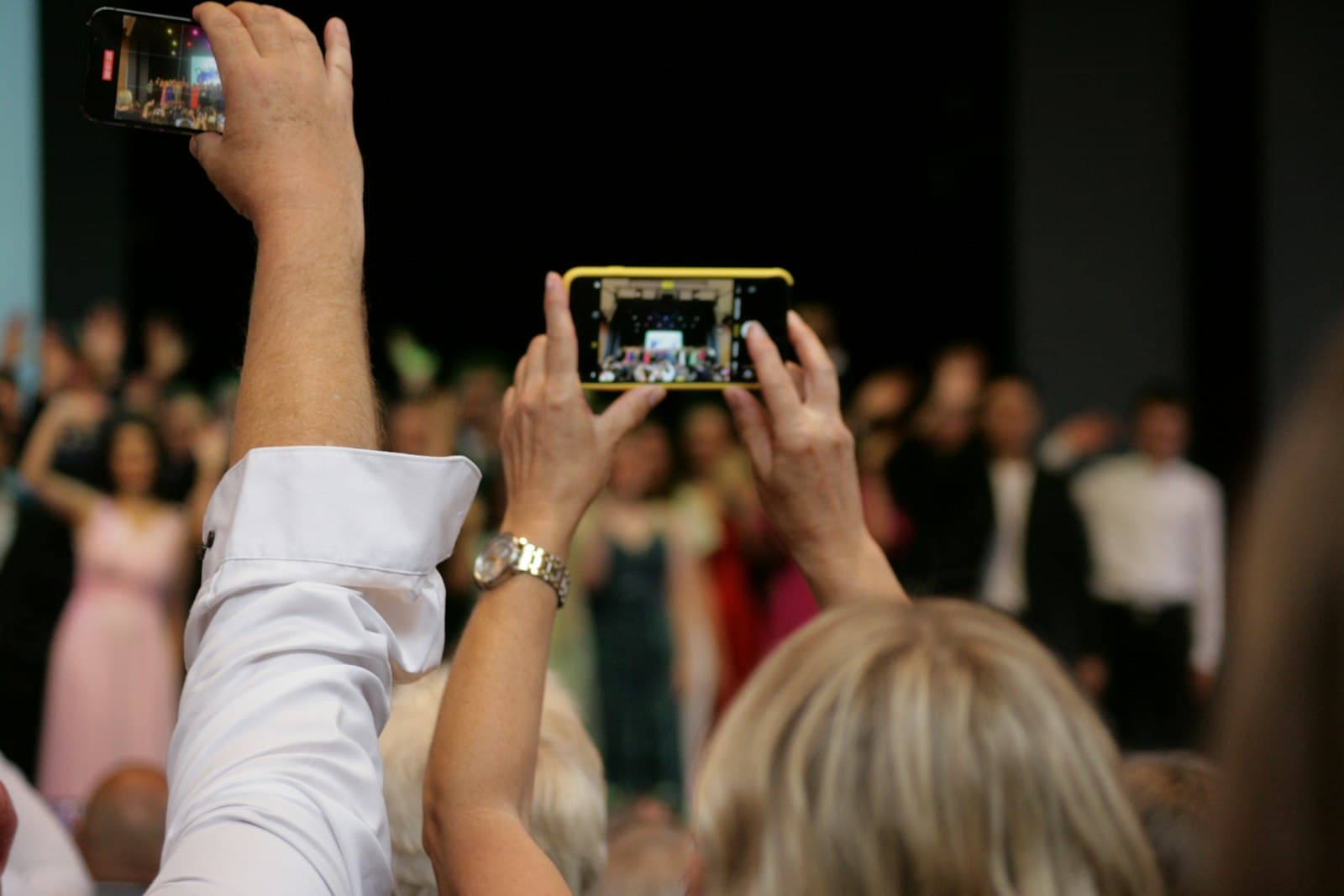
Everyone films the first dance. Almost none of that footage ever reaches the couple.
It is not that guests do not want to share. It is that every ordinary way of sending video punishes them for trying. Texting a clip compresses it heavily before it leaves the phone, so the toast you get back is a blurry shadow of the one that was filmed. Email caps attachments well below the size of a real video, so longer clips simply bounce. AirDrop keeps full quality but is one-to-one and in-person: it works for the friend standing next to you, not for a hundred guests scattering home. And shared albums, the tool most guests reach for, tend to recompress video or cap how long a clip can be, so the files that survive are not the files that were made.
Photos suffer a gentler version of the same problem, which our guide on how to collect wedding photos covers in full. But a photo that loses some resolution is still a photo. A video message from a grandparent that arrives smeared and stuttering, or never arrives at all, is a different kind of loss. Video needs a method built for it.
Each of these can work, and each has a fair case for it. They differ in the two things that decide everything for video: how much effort they ask of a guest holding a large file, and what condition that file is in when it finally reaches you.
| How guests share video | Guest effort | Where videos land | Quality and catch |
|---|---|---|---|
| Asking guests to text them | Easy for one clip, a chore for many | Scattered across threads, one phone at a time | Heavily compressed in transit, and long clips often refuse to send |
| A shared album | Familiar, but needs the right app or account | A platform's album, not your storage | Video is often recompressed or length-capped, so originals do not survive |
| No new tools, but attaching video is clumsy | Your inbox, one message at a time | Attachment caps mean most real videos bounce before they arrive | |
| A QR collection page (Glint) | Scan and upload, no app or login | Your own Google Drive | Original files at full quality, resumable if the connection drops |
For a handful of clips from close friends, texting is fine. For a room full of guests filming toasts, dances, and messages, the only method that asks little and keeps everything is a page guests reach by scanning a code. Everything else Glint does around that page is on the features page.
A QR collection page removes every step where video usually dies: the compressing messenger, the bouncing attachment, the album that quietly shrinks what it is given. Here is the whole path a guest's video takes. If you want the detail on the code itself, from print size to test-scanning, see our guide to QR codes for wedding photos.
A guest scans your code
They point their camera at the QR code on a sign or table card, or tap the short link from a message. Your upload page opens in the browser. No app, no account, no explaining.
They pick videos from the camera roll
The same picker they use every day: they select the clips they filmed, or record a message on the spot and choose it. Photos and videos sit side by side, so nothing needs a separate route.
The original file uploads, untouched
No recompression, no resizing, no length trimming. The file that leaves their phone is the file that arrives, at the resolution and frame rate it was recorded in.
It lands in your own Google Drive
Every video appears in your wedding folder as it arrives, and on your live dashboard. Nothing to export from someone else's platform, nothing to chase down afterward.
Uploads resume instead of restarting. Video files upload in resumable pieces. When a guest walks out of signal between the terrace and the dance floor, the upload pauses, then continues from where it stopped. A dropped connection costs seconds, not the whole file.
A closed tab is not a lost video. Progress is written down on the phone itself. If a guest closes the tab or reloads the page mid-upload, the moment they open the same link again, Glint carries on from the last piece Google Drive confirmed, for every file the phone can still hand back. If the phone has let go of one, as it can with a large video, Glint flags it on screen and asks the guest to add it again rather than dropping it silently. And if a file still cannot get through after the automatic retries, Glint says so plainly, shows how many arrived and how many did not, and offers to retry the ones that failed, which is the difference between a video arriving and a guest deciding it is not worth a second try.
Large videos are supported. Files up to 500 MB each are accepted by default, and you can raise that to 1.5 GB in your event settings, on any plan, when guests film in 4K: room for a full speech or a long stretch of the dance floor, not just a fifteen-second clip. Within your limit, big files simply take longer; they are never trimmed or shrunk. A file over it is turned away the moment the guest picks it, with a clear message, rather than quietly cut down.
Originals, in your own Google Drive. Every file lands in your own Google Drive at original quality, never on Glint's servers. Glint's access to your Drive uses one of the most limited permissions Google offers, and the files are yours from the moment they arrive. Video fills a Drive faster than photos do, so your Glint dashboard carries a Drive storage meter, on every plan, that warns you before space runs low. If you were planning to collect over a group chat instead, it is worth reading what WhatsApp does to photo and video quality first.
Glint has a free plan that collects up to 50 photo and video uploads over 30 days, and a one-time $29 Event Pass that unlocks unlimited uploads for 12 months, flat at any guest count. Videos are treated the same as photos on every plan, each one counting as a single upload, and because they land in your own Google Drive, there is no separate storage bill from Glint.
"Leave us a video message" is too open, and guests freeze in front of an open question. Give them a specific prompt on the sign or table card and the messages come easily, and come better. Pick two or three of these, not all twelve.
What is your one piece of advice for us?
The classic for a reason. Everyone has an answer ready, so it is the easiest way for a hesitant guest to start talking.
Tell us the story of how we met you.
Guests remember first meetings differently than you do. Told to a camera, the small discrepancies are the charm.
Your favorite memory of the two of us together.
Specific beats general. A single remembered evening says more than any well-wish.
Record a message for our first anniversary.
Ask guests to speak to who you will be in a year. Save these unwatched, then open them together on the date.
What was your first impression of my husband or wife?
Honest answers here are usually funny, occasionally moving, and always worth keeping.
Give the toast you did not get to give.
Only a few people speak at dinner. The camera gives everyone else their thirty seconds at the microphone.
One word for today, and why you chose it.
The constraint does the work. Guests think for a moment, and the answers are sharper for it.
A prediction for us, ten years from now.
Lighthearted on the night, and a small time capsule when you rewatch it a decade on.
What moment from today should we never forget?
Guests see the day from angles you never will. This prompt collects the moments you missed.
Ask the longest-married couple at your table for their secret.
This one sends guests to each other, which is where the best footage tends to start.
Leave us a message in your own language.
For families spread across countries, hearing a blessing in the language it was meant in is worth more than a translation.
Tell us a story about one of us the other has never heard.
The groom's college roommate and the bride's oldest friend are carrying material no one else has. Invite it out.
Before the day, put the prompt in print. Add a line under the QR code on your table cards: "Scan to leave us a video message," plus one of the prompts above. Guests who read it over dinner have all evening to think of what to say.
Set up a quiet corner. A chair, decent light, and a small sign with the code, placed away from the band. The guest book table or the photo-booth corner works. People will not record a message shouting over the speakers, but they will in a calm spot a few steps from the room.
Have the MC make one announcement. A single line after dinner, before the dancing: where the corner is, what the prompt is, and that it takes under a minute. One clear invitation from the microphone outperforms any sign.
Use the lulls. Cocktail hour and the stretch between courses are when guests are seated, relaxed, and holding their phones anyway. Uploads started at the table keep going while the page stays open, and the page asks the phone to keep its screen on, so it does not dim and lock halfway through while the evening carries on.
Deputize one friend. Ask a sociable friend to spend twenty minutes walking the tables with the prompt. Most guests are glad to record a message; they just need someone to ask them directly.
Let the link work overnight. The best messages often come late in the evening, and the biggest files often upload the next morning from a good connection at home. Your page stays live after the last dance, so mention in your thank-you message that the code still works.
Is there a limit on video file size?
Glint accepts files up to 500 MB each by default, raisable to 1.5 GB on your own event, which comfortably covers long clips filmed on a phone: full toasts, whole dances, and lingering video messages. Large files upload in resumable pieces, so a big video simply takes a little longer rather than needing to be trimmed or shrunk first.
What formats can guests upload?
Seven formats, which cover what phone cameras record out of the box: JPEG, PNG, WebP and HEIC for photos, and MP4, MOV and WebM for video, including the HEVC video that modern iPhones record by default. Guests pick straight from the camera roll and do not convert anything or think about formats at all: the file their phone recorded is the file that uploads, and the file that lands in your Drive.
Does the video quality drop when guests upload?
No. Glint uploads the original file, untouched. There is no recompression, no resizing, and no length cap short of the file limit. What the guest filmed, in the resolution and frame rate their phone recorded, is exactly what arrives in your Google Drive.
Do guests need an app to send their videos?
No. They scan your QR code or tap your link and the upload page opens in the browser they already have. No download, no account, no login. That matters twice as much for video: an app store detour is exactly the kind of friction that makes a guest give up on sending a large file.
What happens on bad venue wifi?
Uploads are sent in resumable pieces and retried automatically, so a weak or dropping signal pauses a video rather than losing it. When the connection returns, the upload continues from where it stopped instead of starting over. And guests can finish later from the same link, at home on a proper connection, for as long as your event is open for uploads.
Is it free to collect wedding videos this way?
Glint has a free plan that collects up to 50 photo and video uploads over 30 days, every one at original quality and with the same per-file size limit as a paid event, and a one-time $29 Event Pass, the same price at any guest count, that unlocks unlimited uploads for 12 months, a shared gallery where guests can watch each other's videos, and a live slideshow that can play them in full on a TV or projector; both windows count from the day you create the event. A video counts as one upload, exactly like a photo, and because every file lands in your own Google Drive, there is no separate storage bill from Glint and the files never expire.