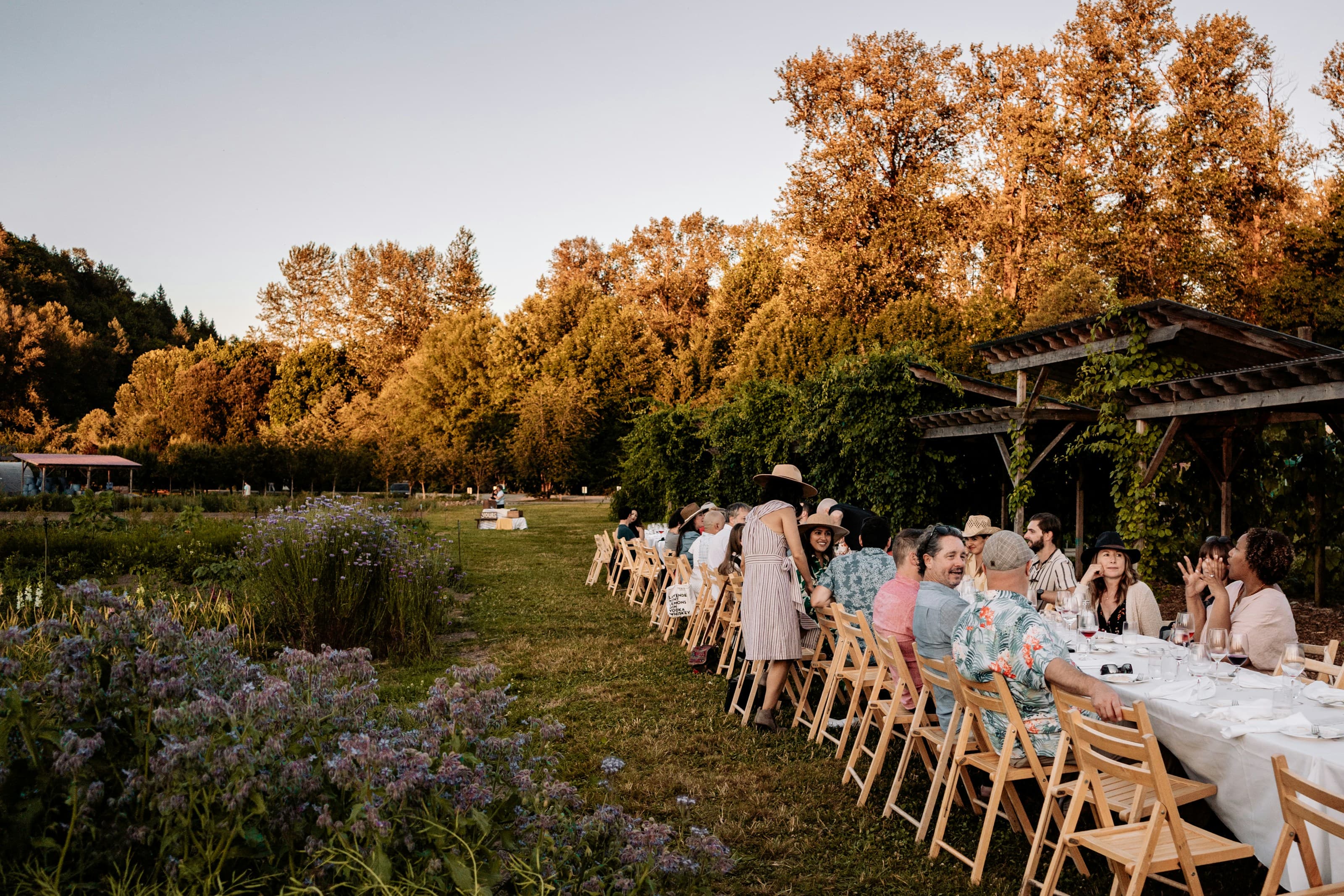
How to collect weddingphotos from your guests.
The easiest way to collect wedding photos from guests is a QR code: print it on a sign or card, guests scan it with their phone camera, and every photo and video uploads straight into your own cloud storage. No app, no account, and no chasing people for pictures after the day.
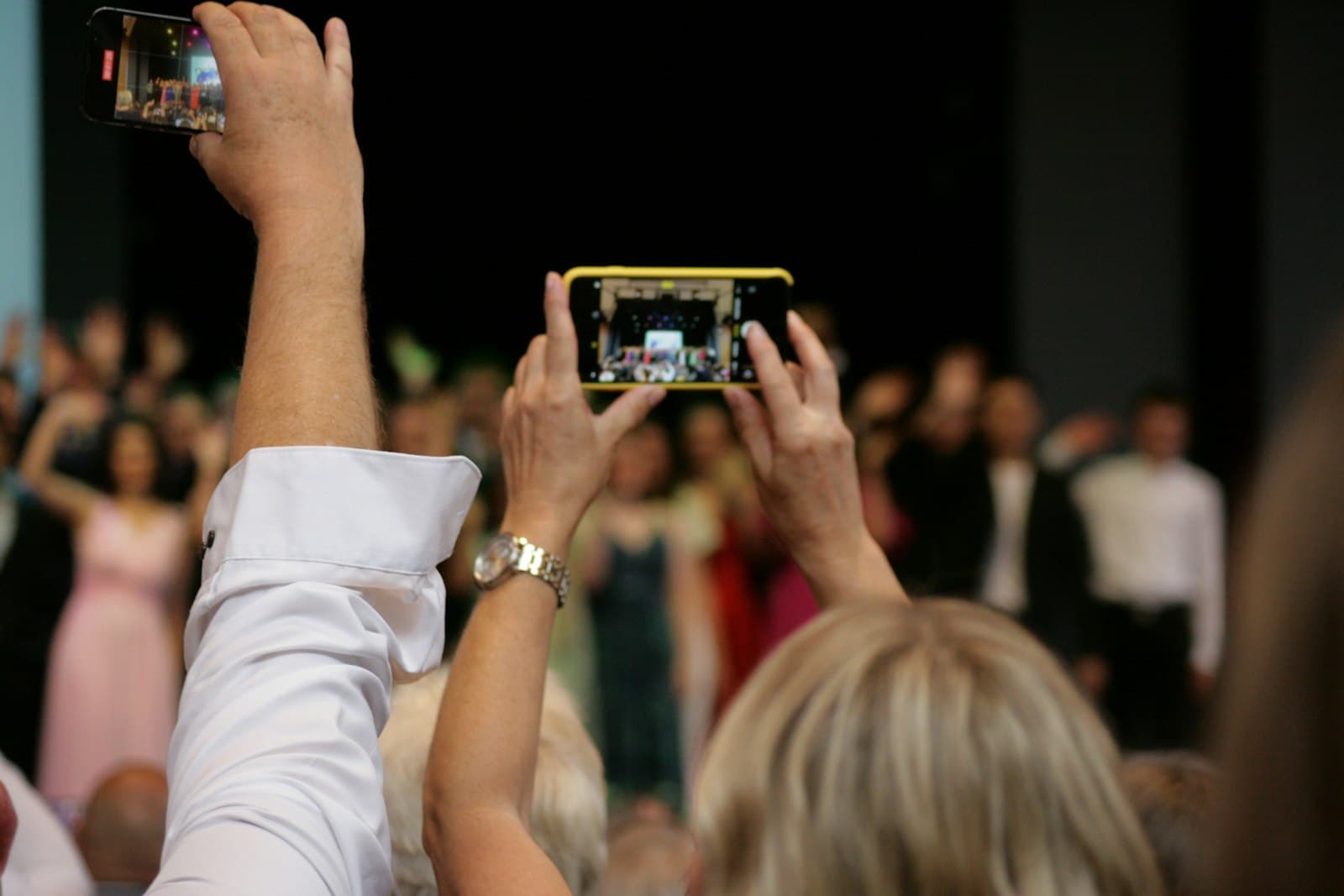
Your photographer captures the day from one pair of eyes. Your guests capture it from a hundred more: the table laughing, the quiet moment by the door, the dance floor at midnight.
The problem has never been that guests do not take photos. It is that those photos scatter, across a hundred camera rolls, a few group chats, and the occasional tagged post you only find months later. The goal of collecting wedding photos is simple: get every candid into one place you control, with as little asked of your guests as possible.
This complements your photographer; it does not replace them. Think of it as a second, candid album that fills the hours and angles one camera can never be in at once.
There are four common ways couples gather photos from guests. They differ most in one thing that decides everything: how much effort each one asks of the guest. The less friction, the more photos you get back.
| Method | Guest effort | Where photos land | The catch |
|---|---|---|---|
| QR code collector (like Glint) | Scan and upload, no app or login | Your own Google Drive | You set it up once before the day |
| Dedicated wedding photo app | Download an app, sometimes sign in | The app's own cloud | Guests usually install an app, and the files live in a service you do not own |
| Shared cloud folder link | Open link, then often sign in or request access | Your Drive or Dropbox | Permission prompts lose less-technical guests |
| Group chat (WhatsApp, iMessage) | Easy to send | Buried in a chat, often compressed | Quality drops and photos are a chore to gather |
| Disposable cameras | Point and shoot | Film lab, days later | Wasted shots, cost, and a wait to see anything |
A QR code collector wins for most weddings because it removes every step a guest can stumble on. There is no app to download and no account to create, and with Glint the photos land in your own Google Drive at full resolution rather than in a service you have to trust with your memories.
Create your event and connect Google Drive
Set your names and date, then link the Google Drive where the photos should land. Glint asks only for permission to the folder it creates, never the rest of your Drive.
Design and download your QR code
Glint generates a QR code and a short link. Style it to match your stationery, then export a print-ready file for signs, cards, or the program.
Put the code where guests already look
A welcome sign, table cards, the back of the menu, the photo-booth corner. The more natural touchpoints, the more guests scan.
Guests scan and upload, with no app or login
A guest points their camera at the code, taps the link, and uploads from their camera roll in seconds. No download, no account, no friction.
Watch the photos arrive, and keep them
Uploads appear on your live dashboard as they come in, and every file lands in your Google Drive. Nothing to chase down afterward.
Guests do what the sign tells them, so the words matter more than the design. Say what to do, name both photos and videos, and promise there is no app. Pick a tone below, copy the line, and add your names and the date.
Formal. "Help us remember every moment. Scan the code to share your photos and videos from today."
Playful. "Caught a candid? We want it. Scan, upload, done, no app, we promise."
Minimal. "Share your photos and videos. Scan the code."
Heartfelt. "Seen through your eyes. Scan to add your photos and videos to our album."
Build it before the day. Create your event and print your signs a week or two ahead, while nothing is rushed. Everything is ready to place the moment you arrive.
Test it the week of. Scan your own code from a phone that is not signed in and upload one photo, so you know the whole flow works before a single guest tries it.
Leave it open afterward. Keep collection open for one to two weeks past the wedding. The best candids often arrive days later, once guests are home and scrolling back through their camera rolls.
Hiding the code. One small card on a far table is not enough. Put the code where guests already look, more than once.
Never testing it. Scan your own code from a phone that is not signed in, and upload a photo, before the day. Thirty seconds now saves a hundred missed pictures later.
Saying nothing. Guests follow a prompt. A line on the welcome sign, or a word from whoever is on the microphone, lifts participation more than anything else.
Relying on memory afterward. Asking people to "send me your photos" after the wedding rarely works. Collect them in the moment, while phones are already out.
Short answers to what couples ask most. For plans and exactly what is included, see pricing.
Do guests need to download an app to share their photos?
No. With a QR-code collector like Glint, guests scan the code with their phone's camera, a web page opens, and they upload straight from their camera roll. There is no app to install and nothing to learn, which is the single biggest reason more guests actually contribute.
Do guests have to create an account or log in?
No. Glint asks for nothing more than an optional first name so you know who sent what. Guests never make an account, never enter a password, and never hand over an email address. Removing that step is what keeps older and less tech-comfortable guests from giving up.
Where do the photos actually end up?
With Glint, every photo and video uploads directly into your own Google Drive, in a folder for your event. Glint never stores your files; it only keeps the small details needed to run the page. You own the originals from the first upload, and they stay in your Drive forever.
Is it free to collect wedding photos this way?
Glint has a free tier, and a one-time Event Pass for unlimited uploads and a custom QR code. Because photos go to your own Google Drive, there is no separate storage bill from us.
What about full-resolution photos and videos?
Guests upload originals, not compressed copies. Files up to 500 MB each are supported by default, and you can raise your own event to 1.5 GB, so long 4K videos go through intact. Larger files upload in resumable chunks, so a brief signal drop pauses the upload instead of losing it.
Can guests upload videos too?
Yes. Guests upload videos the same way they upload photos, straight from their camera roll, with no app and no account. Each file can be up to 500 MB by default, or 1.5 GB once you raise it, so speeches, first dances, and full-length 4K clips go through at original quality, never compressed. Larger videos upload in resumable chunks, so a brief signal drop pauses the upload and it resumes from where it stopped.
Will it work on a venue's patchy Wi-Fi or cell signal?
Yes. Uploads over a few megabytes are sent in pieces and retried automatically, and an interrupted upload resumes from where it stopped rather than starting over. Guests can also keep uploading after they leave the venue, whenever they are back on a good connection.
How long do we have access to the photos?
Forever, because they are in your Google Drive. Your live dashboard follows your plan's access window, as does the shared gallery guests browse if you have opened one, but the actual files are yours to keep, move, and download long after the wedding.
Is collecting photos this way private?
Yes. The upload page is reachable only by your unique link or QR code; it is not indexed or listed publicly. Photos go straight to your Drive, and Glint connects with one of the most limited Google permissions available, so it can only see the folder it creates for your event, never the rest of your Drive.
Go deeper on the pieces of the plan: collecting videos from guests (the hard case, solved), 40+ QR sign wording examples your guests will actually follow, shared album vs QR code if you are weighing the DIY route, and why everything lands in your own Google Drive. Choosing between services? Start with the honest 2026 comparison and the one question that matters most: what happens to your photos in 13 months. And when your signs are ready to print, the free QR sign maker takes about a minute.