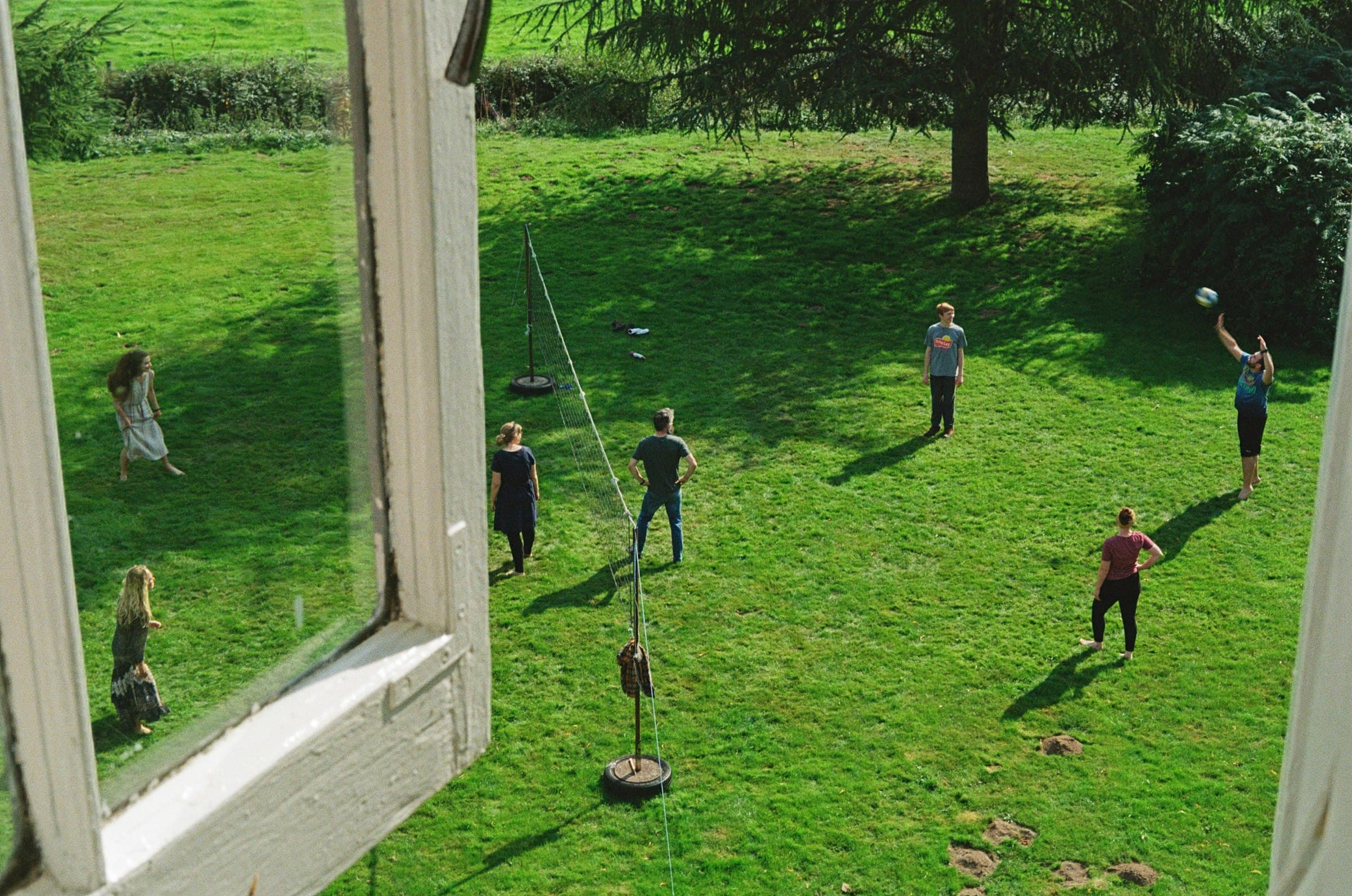
Every photo from the reunion.In your Drive.
The simplest way to collect photos from a family reunion is a QR code that opens an upload page in the browser relatives already have: they scan, choose pictures from the camera roll, and the files land in a folder in your own Google Drive. No app for anyone to install, no account for a single relative to create, and no group chat where the good photographs sink under three days of replies.

A reunion is the one weekend where four generations are in the same place, and it is also the weekend where the photographs are most likely to scatter and never come back together.
Everyone takes pictures. Almost nobody sends them. The ones that do arrive come through four different channels: a few in the family group chat, a few by text to whoever asked, a shared album that half the family cannot add to because it is the wrong ecosystem, and a cousin who says he will get them to you and means it sincerely. Six months later the group chat has rolled over, the shared album has quietly stopped being maintained, and the photographs of the oldest people in the room are on a phone that has since been replaced.
The organiser feels this most sharply, because the organiser is the person everyone assumes is keeping the record. You booked the hall, collected the money and made the name badges, and now you are also the unofficial archivist of a day you were too busy to photograph yourself.
None of these are bad tools. They are just tools built for a group that already shares an ecosystem, being asked to serve a group that emphatically does not.
| Method | Where it strains at a reunion |
|---|---|
| Family group chat | Works for everyone, which is its real strength. But photos arrive compressed, and they sink under conversation within days. Retrieving forty pictures a year later means scrolling a year of messages. |
| Shared album | Excellent inside one ecosystem. Half the family is on the other one. They may be able to view it, but adding a photo takes a signed-in account on the right service, and the half that cannot add is not evenly distributed by age. |
| Ask people to send them | Relies on everyone remembering and on you chasing. The people least likely to follow through are often the ones holding the photographs you most want. |
| A QR upload page | Scan and upload, no app and no account, originals into one folder you own. The cost is that somebody has to print a code and mention it twice. |
Most photo tools are built for a group of people who all have the same phone, the same account and roughly the same tolerance for setup. A reunion is the opposite of that. It runs from an eight-year-old with a hand-me-down tablet to an eighty-year-old who has one app on the home screen and did not put it there.
So the constraint that matters is not features. It is the number of steps between a relative wanting to help and actually helping. Point the camera at a code, tap the link, choose the photos, done. Nothing to install. Nothing to remember. No moment where a great-aunt is asked to create a password and decides this is a job for somebody younger, and then forgets.

Every upload goes into a folder in your own Google Drive, under your own account, from the moment it arrives. We keep a record of what came in and who sent it so your dashboard can show you the feed as it happens. We do not keep the files. There is no Glint library holding your family’s photographs, which means there is no version of the future where a company you signed up with once decides what happens to them.
That distinction is easy to skim past and it is the whole reason this page exists. Most of the other services in this category host your gallery on their own servers and put a clock on it, anywhere from days to a couple of years depending on the plan: Kululu saves free galleries for 7 days and Pro galleries for 1 year, GuestPix hosts paid galleries for 12 to 24 months and then sells extensions, GuestCam publishes 12-month and 14-month storage windows, and Wedibox's paid plans give 1 year of storage or a 2-year gallery. That is a reasonable trade for a single event you will have finished with by Christmas. It is a bad trade for something you are building on purpose, year after year, and intend to still have when the youngest person in the photographs is old enough to want them. POV is the exception on the clock, saying "Photos don’t expire from your gallery!", but those photos still live on POV's servers. With Glint the files never expire either, and they sit in your own Google Drive from the first upload.
To be precise about what does and does not have a clock on it: the files in your Drive are yours, they never expire, and Glint removes one only when you delete it yourself from your dashboard. A paid event gets 12 months of access from the day you create it, and a free event 30 days, which the Event Pass extends to 12 months in place, keeping the same link and QR code. When the window ends, the upload page closes, along with a paid event's shared gallery and live slideshow, so relatives can no longer add new photographs to that event. Your folder, your dashboard and everything already collected are untouched by that. See what an event includes.
A single reunion produces a folder. Three of them produce something else entirely: the same faces at three points in time, the children visibly growing, the people who were there in the first year and not the third. Nobody sets out to build that. It accumulates, provided each year lands somewhere that the previous year is still sitting.
Each gathering gets its own event and its own code, and its uploads land in a Drive folder named after the event, so put the year in the name and every year keeps a folder of its own. One year never writes over another. If yours is an annual fixture, the Event Bundle covers 3 events for a single $45 payment and its slots never expire, so you can use the last one several years from now. That is the shape that fits a thing you do once a year: not a subscription that bills you for eleven months of nothing, and not a fresh decision every single time.
This is the part no photo tool is designed for, and it is the part that makes reunions worth the trouble. An aunt arrives with an album. Someone produces an envelope of prints from a caravan holiday in 1987. They get passed round the table for an hour, four people take pictures of the same page on their phones, and then they go home in the album they came in.
The upload page does not care whether a photograph was taken twenty minutes ago or forty years ago. If someone snaps a picture of a print and uploads it, it lands in the same folder as everything else from the weekend. It is not archival digitising and nobody should pretend it is, but a phone photograph of a print is enormously better than the print staying in one house where nobody else can see it.
If you want this to happen, put the code on the table where the albums end up and say so. Left to chance it does not occur to anyone, and the pictures with the most people alive in them are the ones that stay in the shoebox.
This is where a reunion differs most from the events these tools are usually built for. At most gatherings one person keeps the photographs. At a reunion everybody wants a copy, and the request arrives in ones and twos for months afterwards, usually by phone, usually to you.
The shared gallery answers that, and it comes with the one-time $29 Event Pass, as does the live slideshow for the afternoon itself. The gallery is a single tidy link to send round, where the family browses everything that came in, each photo and video credited to whoever sent it, by name when they gave one, and saves the full-quality original of any of them, the same file that reached your Drive. Photo downloads start switched on, with one switch in your settings if you would rather they did not, and you can keep the gallery open for the rest of the event's 12-month access window, so the requests that keep arriving for months afterwards have an answer too. That link is separate from the one they uploaded to, and you turn it on in your event settings when you are ready: view and upload, so latecomers can still add theirs, or view only, which closes uploads while the family keeps browsing. You can also add a 4 to 6 digit access code that each device remembers for 30 days once entered. Until you open it there is nothing to find, and it is never indexed by search engines, so it exists only for the people you send it to.
If you would rather hand round the Drive folder itself, one honest caveat, because it is the sort of thing that is annoying to discover later: the folder is in your Drive, so who can open it is governed by your own Google sharing settings, not by us. Set the folder to anyone-with-the-link before you send it round, or you will spend a fortnight approving access requests one relative at a time.
Print the code larger than feels necessary and put it where people already stop moving: the food table, the bar, the table where badges are handed out. A code at eye level next to the buffet gets scanned. A code on a wall at the far end of the room does not. Download it as an SVG, which every plan includes, and the code stays crisp however large you print it.
If the venue has a TV or projector, put the live slideshow on it, which comes with the Event Pass. It runs in any browser, and new photos appear about twenty seconds after they are sent while uploads are flowing, with the name and short message each relative can add as they upload, if you choose. The code sits in a corner of the screen and a full-screen scan card comes round between photos, so a relative who walked past the printed code still sees it.
Say it out loud once, early, while everyone is still in one place and nobody has wandered off. One sentence is enough, and it works better coming from whoever the family actually listens to rather than from whoever set the thing up.
Then say it again afterwards. The best photographs from a reunion almost never arrive on the day. They arrive the following week, when someone is back home on a decent connection and going through their camera roll properly. Put the link in the thank-you message and mention that it still works. On a paid event it does, for 12 months from the day you create it. A free event closes at 50 uploads or 30 days after you create it, so upgrade it before you send the message and the same link and QR code keep working. See how the upload page behaves.
Does everyone need to download an app?
No. Relatives point a phone camera at the code, tap the link that appears, and the upload page opens in whatever browser is already on the phone. There is no download, no account, and no password. This is the part that decides whether a reunion actually gets the photos: the relative who will not install anything is usually the one holding the only picture of your grandmother laughing.
What about family who are not confident with phones?
The page is one screen. Tap a button, choose photos from the camera roll, watch a progress bar. There is nothing to sign up for and nothing to configure, so there is no step where someone gets stuck and quietly gives up. While the photos send, the page asks the phone to keep its screen on, and if a file does not get through, the page says so plainly instead of dropping it silently, and offers a retry wherever one can help. If a relative would rather hand you their phone, the page works the same way in your hands.
Where do the photos actually end up?
In a folder in your own Google Drive, under your own account. Glint creates the folder and passes each upload straight through to it. We keep a record of what was uploaded and by whom so your dashboard can show you the feed, but we do not keep the files themselves. Nothing you collect lives on our servers waiting for us to still be here in ten years.
How long can people upload for?
With the Event Pass, uploads are unlimited and the upload page stays open for 12 months from the day you create the event, which comfortably covers the weekend itself plus the long tail of relatives who meant to send their photos and got to it a fortnight later. A free event takes up to 50 uploads over 30 days from the day you create it, and upgrades to the Pass in place, keeping its link and QR code, so nothing you have printed needs to change. When the window ends the upload page closes. Your Drive folder and everything already in it are unaffected, and your dashboard still shows the whole collection.
Can we use the same setup next year?
Each gathering gets its own event and its own code, and its uploads go to a Drive folder named after the event, so put the year in the name and every year keeps a folder of its own. One year never overwrites another. If you host something annually, the Event Bundle covers 3 events for a single $45 payment and its slots never expire, so you can use the last one several years from now.
Can relatives send videos as well as photos?
Yes, up to 500 MB per file by default, or 1.5 GB once you raise it, which covers long clips filmed on a phone. Uploads happen in resumable pieces, so a large video on a patchy connection at a rented hall continues rather than starting over. The original file is what arrives, at the resolution the phone recorded.