Wedding photos,collected by QR code.
A wedding photo QR code is the easiest way for guests to share. You print one code on a sign or card; guests scan it with their phone camera, and every photo and video uploads straight into your own Google Drive. No app to download, no account to make, and nothing to chase down after the day.
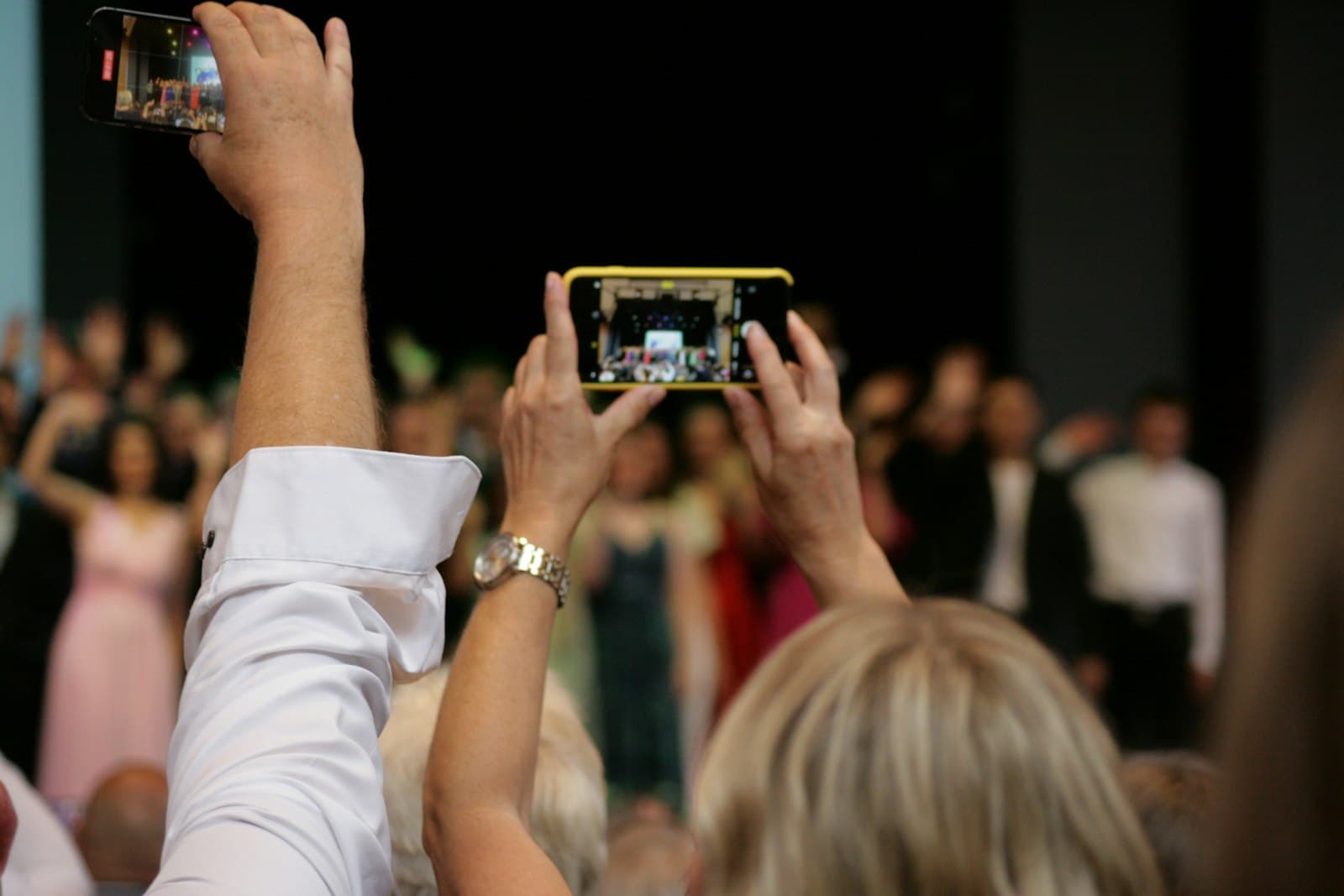
Every guest in the room is already holding a camera. The only question is whether their photos reach you, or stay lost on a hundred separate phones.
A QR code answers that question by removing every step a guest can stumble on. There is no hashtag to remember, no group to be added to, no film to develop. They point, they tap, they upload. We built Glint around the QR code because it is the one method that asks almost nothing of the guest, and the less you ask, the more photos you get back. If you are weighing it against group chats or disposable cameras, our guide on how to collect wedding photos compares each approach in full.
Making a wedding photo QR code with Glint takes a few minutes and no design skill. You create your event, Glint generates a QR code you can style to match your day, you print it on your signs and cards, and guests scan it to upload. Everything lands in your own Google Drive, and there is no app for anyone to download on either side.
Create your event
Sign in and set up your wedding in a couple of minutes. Give it a name and Glint builds the private upload page your guests will use and the folder your photos will land in.
Glint generates your designable QR code
A QR code is created and linked to your event. Open the built-in designer to set the colors, the dot and corner shapes, and a monogram or logo at the center, then export a print-ready PNG or a crisp SVG.
Print it on your signs and cards
Add the code to a welcome sign, the table cards, or the back of the menu, wherever guests will see it. Print the short link beside it so anyone whose phone will not scan can still reach the page.
Guests scan and upload
On the day, guests point their camera at the code, tap the link, and upload their photos and videos straight from their phone. Nothing to install, no account to make.
Glint has a free tier to get started, with a one-time Event Pass that unlocks unlimited uploads and the full QR designer. Because your photos go to your own Google Drive, the code and the collection stay yours, with no separate storage bill from us.
The whole point of a wedding photo QR code is that nobody needs to be taught how to use it. Here is exactly what happens when a guest walks up to the code on your table.
What does a guest actually see?
A small sign or card on the table with your names, a one-line prompt, and the code itself. No instructions to read, no setup. Just an invitation to take part.
How do they scan it?
They open their phone camera and hold it over the code for a second. A link appears at the top of the screen, they tap it, and your upload page opens in the browser. No app, ever.
How do they share their photos?
They tap to choose from their camera roll, add an optional first name, and the photos and videos upload at full resolution. Thirty seconds from scan to done, and they are back to dancing.
Where does it all land?
Every file goes directly into your own Google Drive as it arrives, and shows up on your live dashboard in real time. Nothing to collect, nothing to chase down afterward.
Couples have always found ways to gather guest photos. They differ most in the one thing that decides everything: how much effort each one asks of the guest, and what quality survives.
| How guests share | Guest effort | Where photos land | Quality and catch |
|---|---|---|---|
| Scanning a QR code (Glint) | Scan and upload, no app or login | Your own Google Drive | Full-resolution originals, all in one place |
| Posting to a hashtag | Need an account and the right tag | A public feed you do not own | Heavily compressed, and you hunt for tagged posts |
| Texting a group chat | Easy to send | Buried in a thread, often shrunk | Quality drops and photos are a chore to gather |
| Handing out cameras | Point and shoot | A film lab, days later | Wasted shots, cost, and a wait to see anything |
A QR code wins for most weddings because it asks the least and keeps the most. With Glint the photos arrive as full originals in your own Google Drive rather than in a feed or a chat you have to comb through later. You can see the rest of what it does on the features page.
Put it where guests already look. A welcome sign, the table cards, the back of the menu, the photo-booth corner. The more natural touchpoints, the more guests scan.
Write a clear prompt. A single line does the work: "Scan to share your photos with us." A code with no words beside it gets passed over.
Match your stationery. A code in your colors, with your monogram at the center, looks invited rather than tacked on. Glint's designer exports a print-ready PNG or SVG your stationer can scale to a poster.
Print it big enough to scan from a seat. As a rule of thumb, keep the code at least an inch (about 2.5 cm) across on a table card, and larger on a welcome sign that guests read from a few steps back. Leave a little plain margin around it so the camera can lock on quickly.
Test-scan it before the day. Print one card, then scan it with two or three different phones from where guests will actually sit. It is far better to catch a code that is too small, or a color pairing with too little contrast, now than at the reception.
Always print the short link too. A tiny line of text under the code means anyone whose phone will not scan can still type it in. No guest left out.
Not sure a QR code beats a shared album? See shared album vs QR code, or compare every option in the honest 2026 rundown of wedding photo apps.
Do guests need an app to scan the QR code?
No. Every phone made in the last several years scans QR codes straight from the camera, with nothing to install. A guest opens the camera, points it at your code, and taps the link that appears. That is the whole reason a QR code works so well at a wedding: there is nothing to download and nothing to figure out.
Do guests have to log in or make an account?
No. Once the page opens, guests can upload right away. Glint asks only for an optional first name, so you know who sent what, and never for a password, an email, or an account. Removing that step is what keeps older and less tech-comfortable guests from giving up halfway.
Where do the photos go after a guest scans the code?
Straight into your own Google Drive, in a folder for your wedding. Glint never keeps the files; it stores only the small details needed to run the page. You own the originals from the first upload, at full resolution, and they stay in your Drive long after the day.
What if a guest cannot scan the QR code?
Every QR code comes with a short link to the same page, so anyone can type it in or tap it from a message instead of scanning. Print the link under the code on your signs and cards, and read it out once, and no one gets left out, whatever phone they carry.
Can we customize the QR code to match our wedding?
Yes. The built-in designer lets you set the colors, the dot and corner shapes, and a monogram or logo at the center, then export a print-ready PNG or a crisp SVG. The code can sit happily on your stationery instead of looking like a parking ticket.
Will the upload work on the venue's patchy signal?
Yes. Scanning the code needs only a moment of connection to open the page. Uploads over a few megabytes are sent in resumable pieces and retried automatically, so a brief signal drop pauses an upload rather than losing it. Guests can also keep uploading after they leave, whenever they are back on a good connection.
Does the QR code expire?
Your QR code and its link stay live for your whole event window, so guests can keep uploading in the quiet days after the wedding, not only during the reception. The code points to your event, so it never changes on you once it is printed. And because every photo lands in your own Google Drive, the collection itself has no expiry at all: it is yours to keep long after the page is closed.
Is it free to collect wedding photos with a QR code?
Glint has a free tier, and a one-time Event Pass for unlimited uploads and the full QR designer. Since photos go to your own Google Drive, there is no separate storage bill from us.