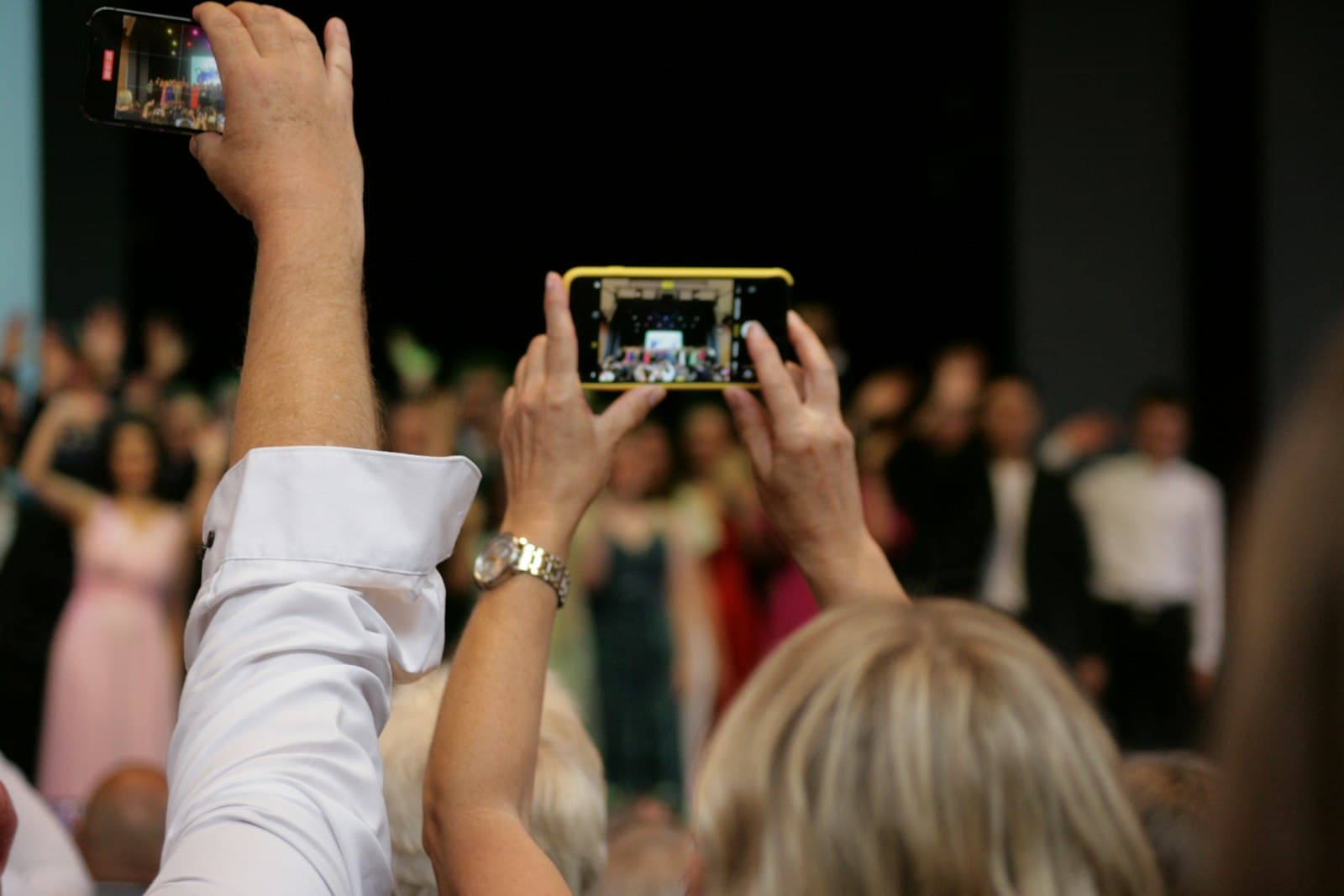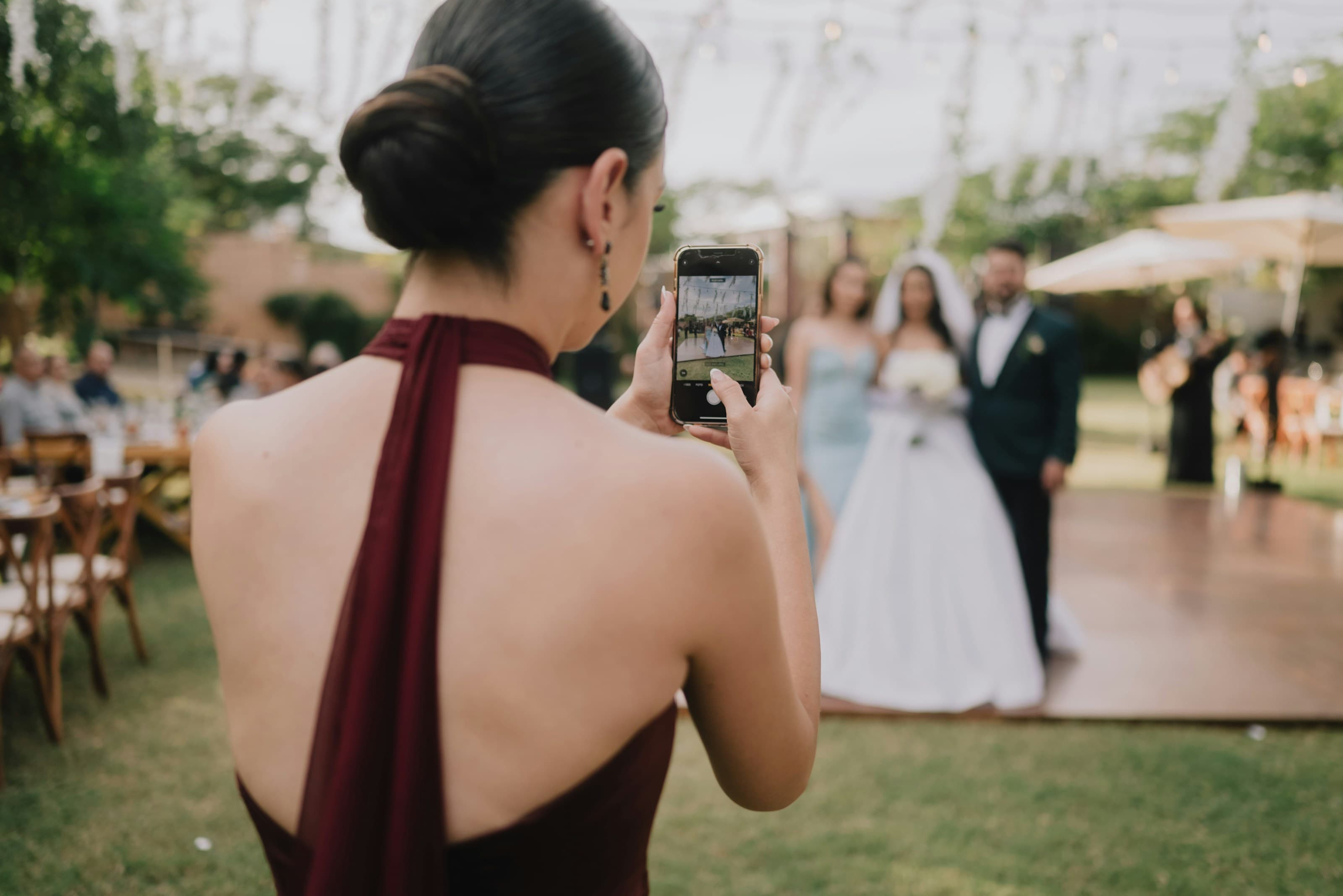
Every moment.Every angle.Yours, forever.
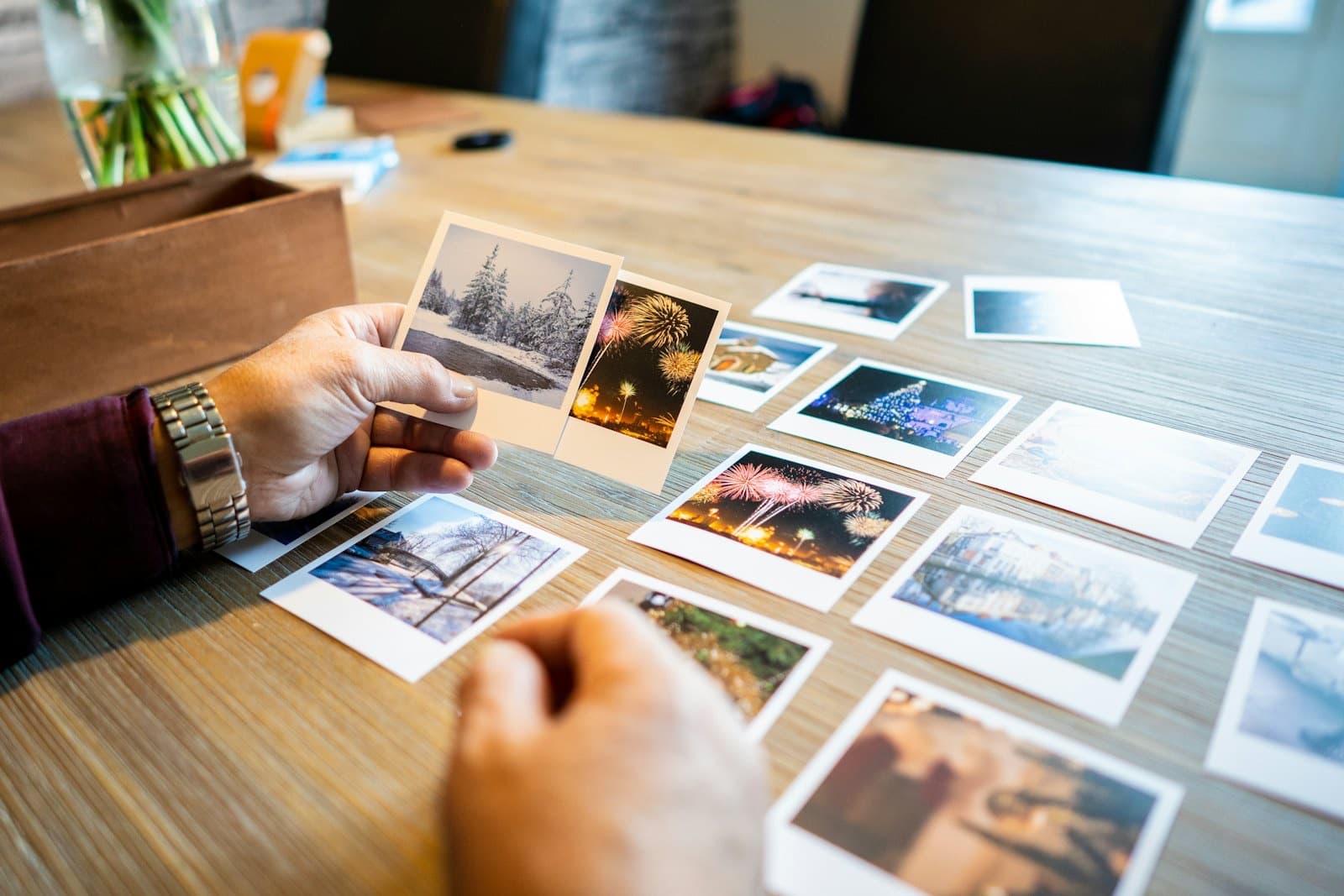
Your guests already took the photos. Glint brings them home: one QR code, and every picture lands in your own Google Drive, never on our servers. No app, no accounts, and the files never expire.
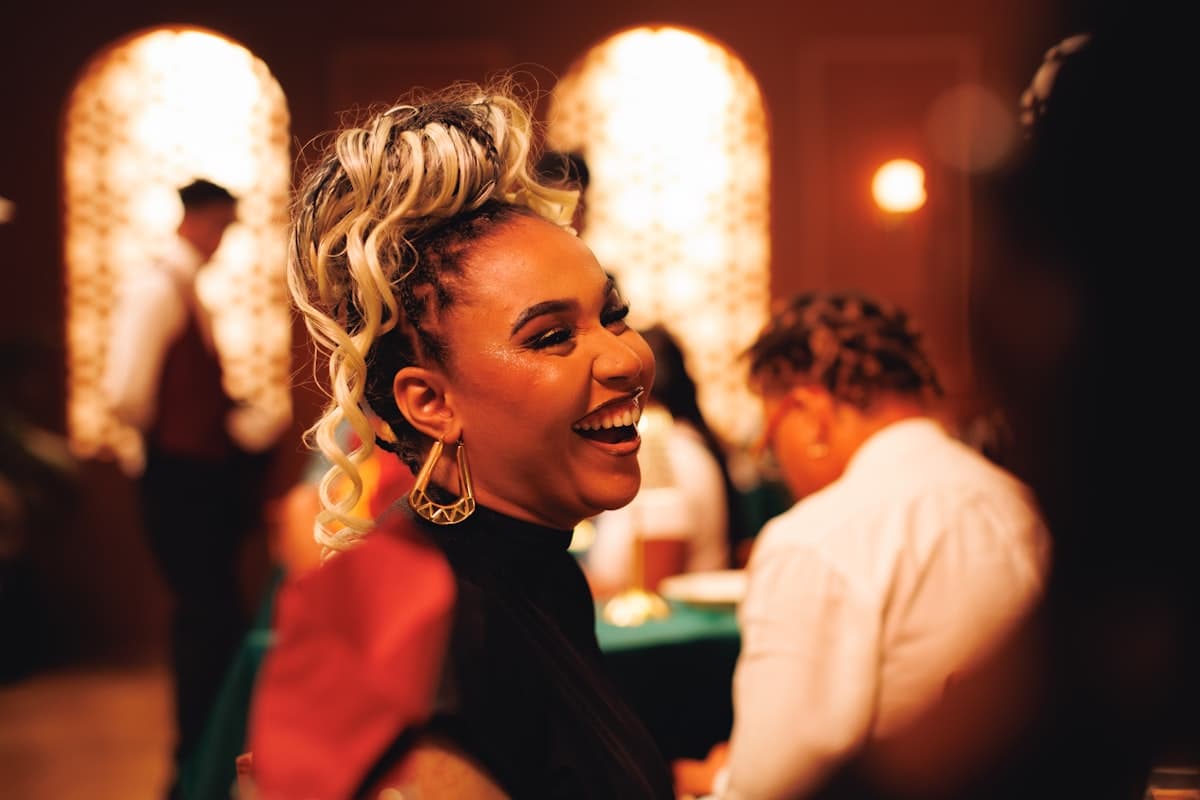
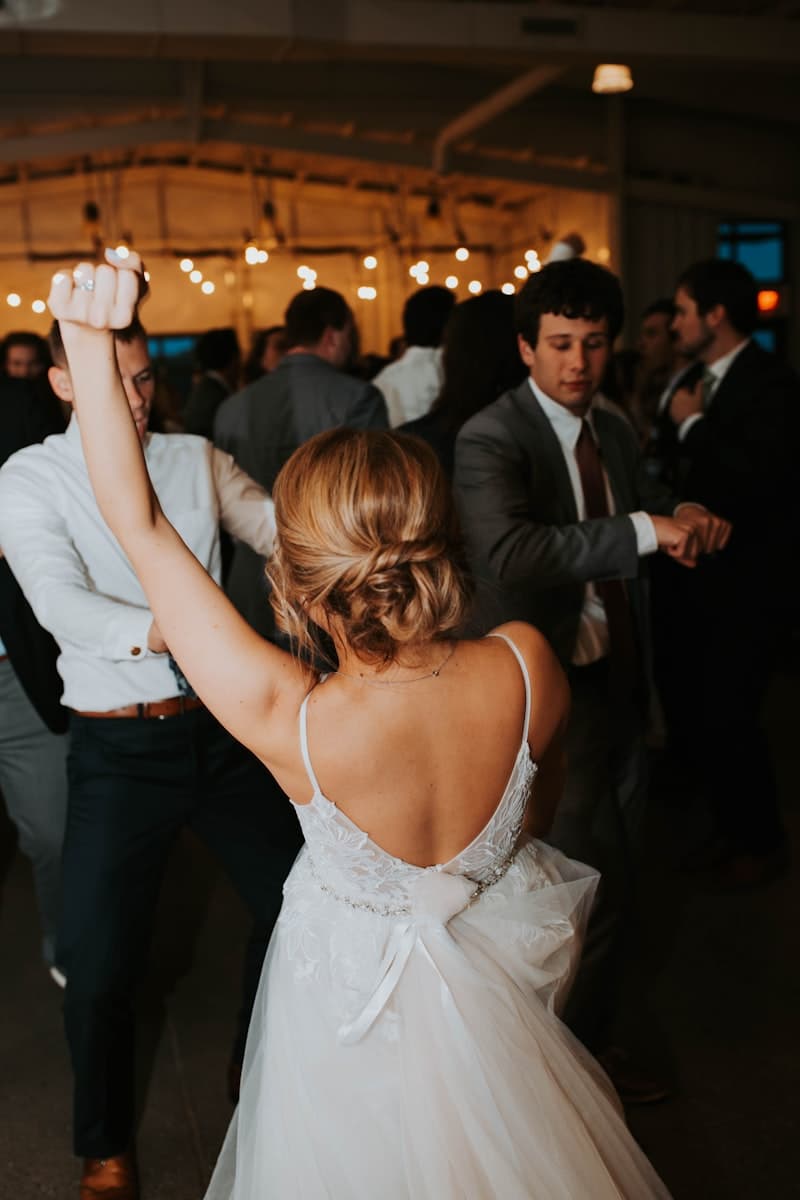

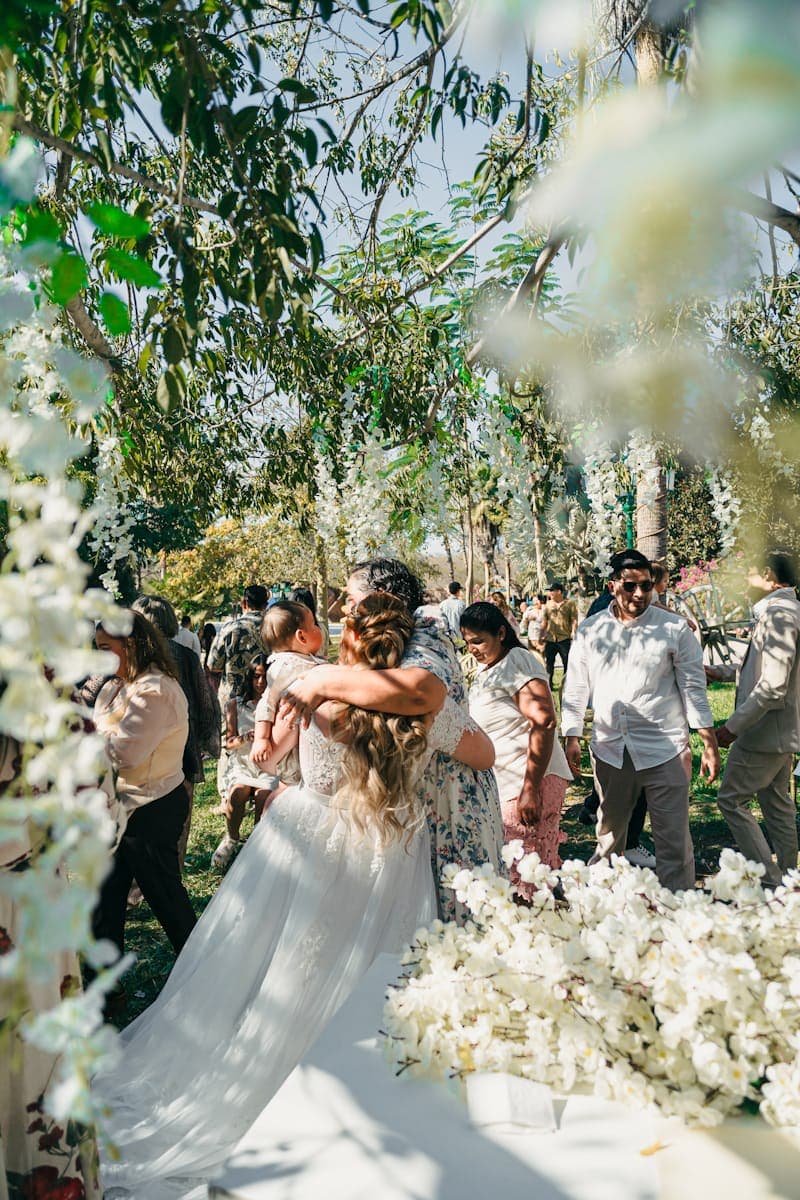
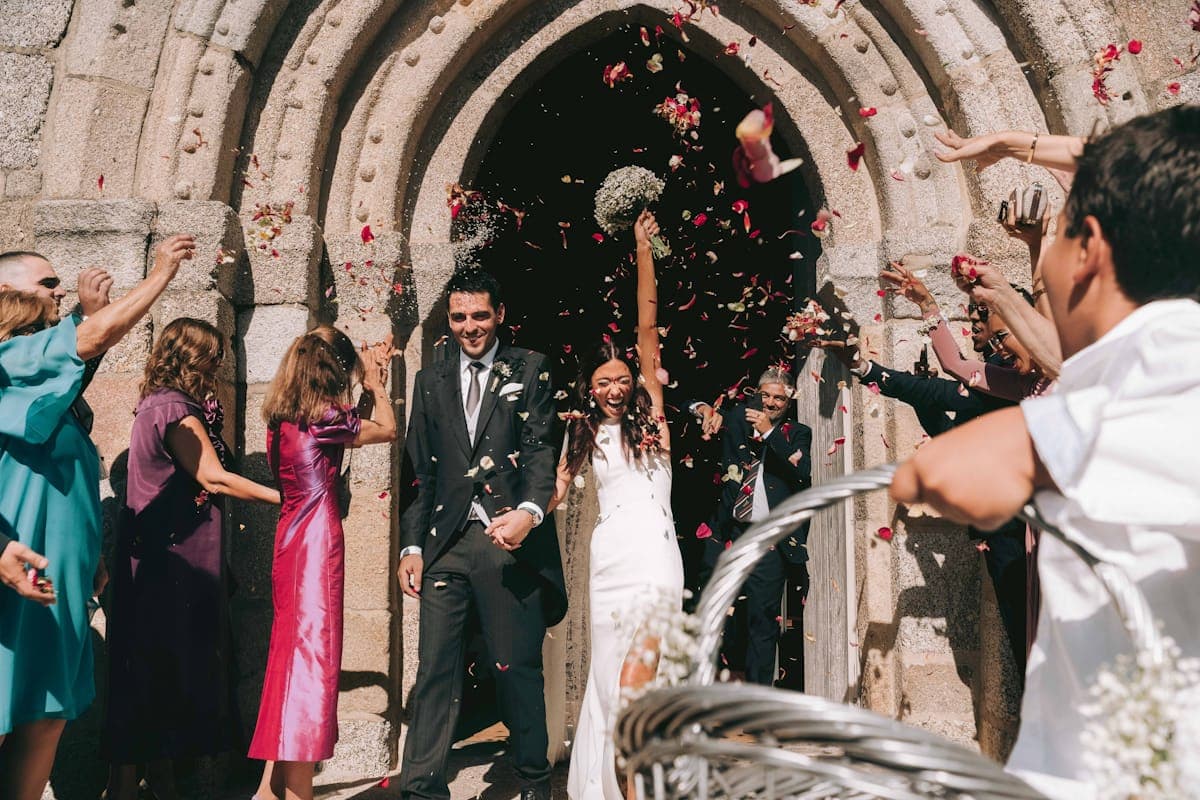
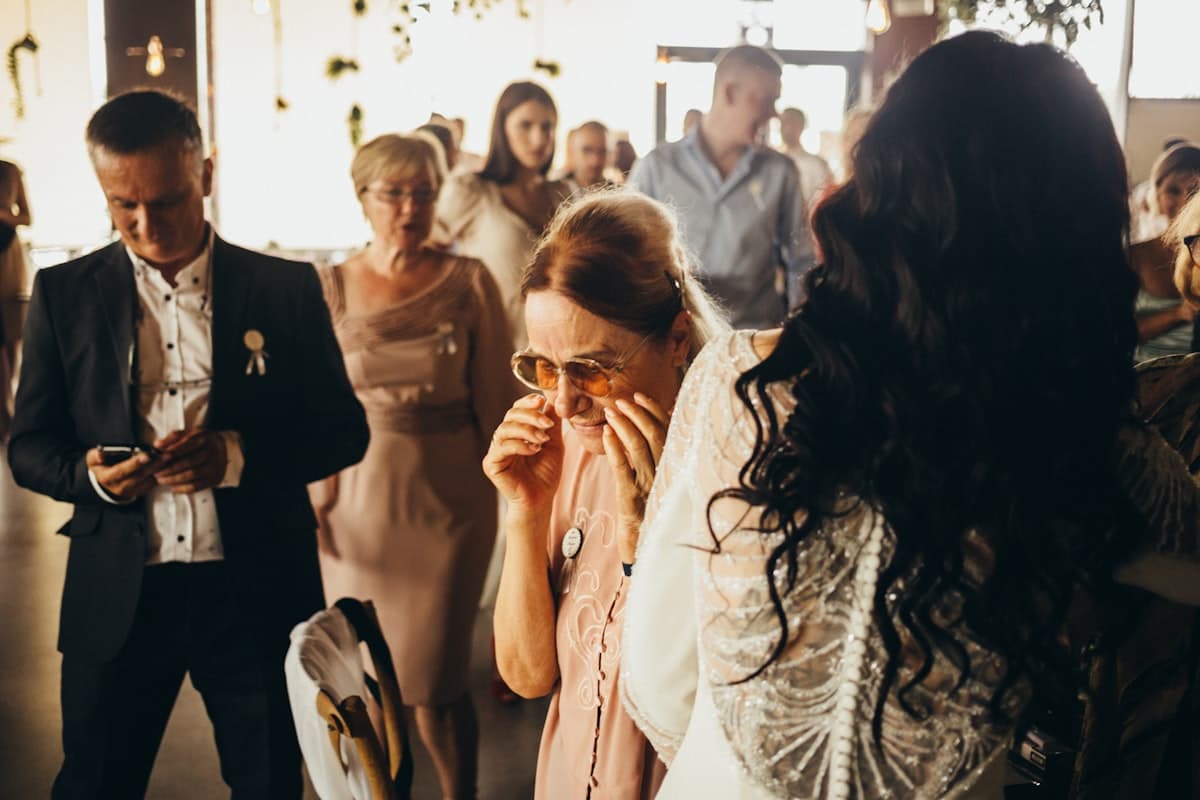
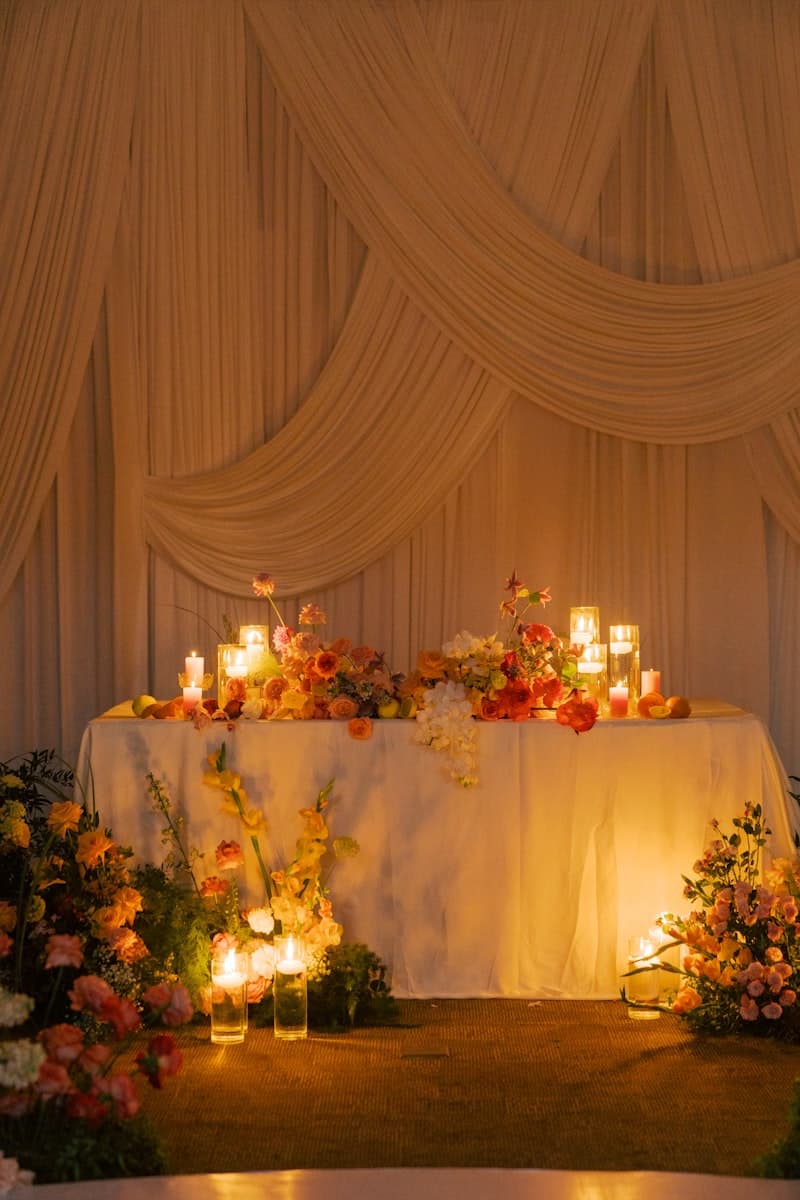
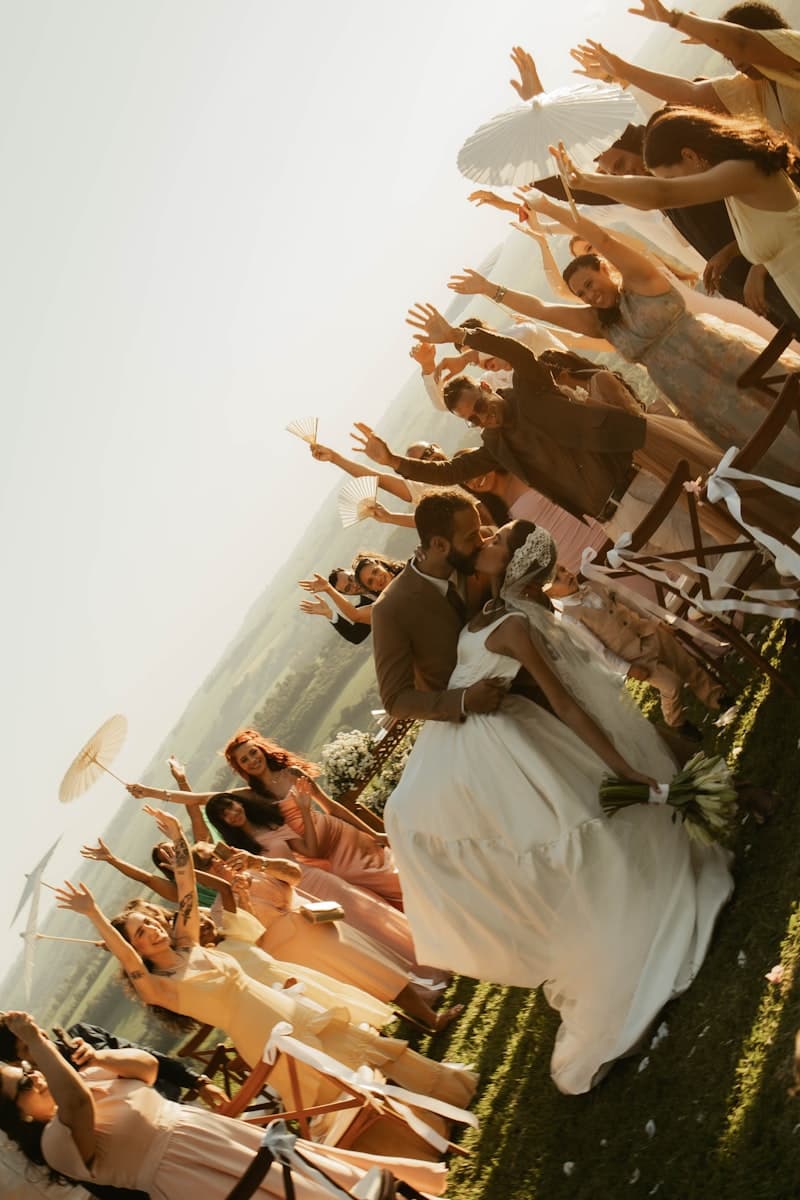
Shot by guests, not photographers: the moments the official album misses.
Most photo-sharing tools keep your memories on their servers, behind their accounts, their walls, their expiry dates. Glint stores none of your guests’ photos or videos. Each upload passes straight through Glint from your guest’s phone into a Google Drive folder that belongs to you.
Cancel Glint tomorrow and nothing happens to your photos. They were never ours to take.
Create your event
Sign in with Google, connect your Drive, and name the event. Glint creates the event's folder in your Drive for you. Two minutes, start to finish.
Set the code on every table
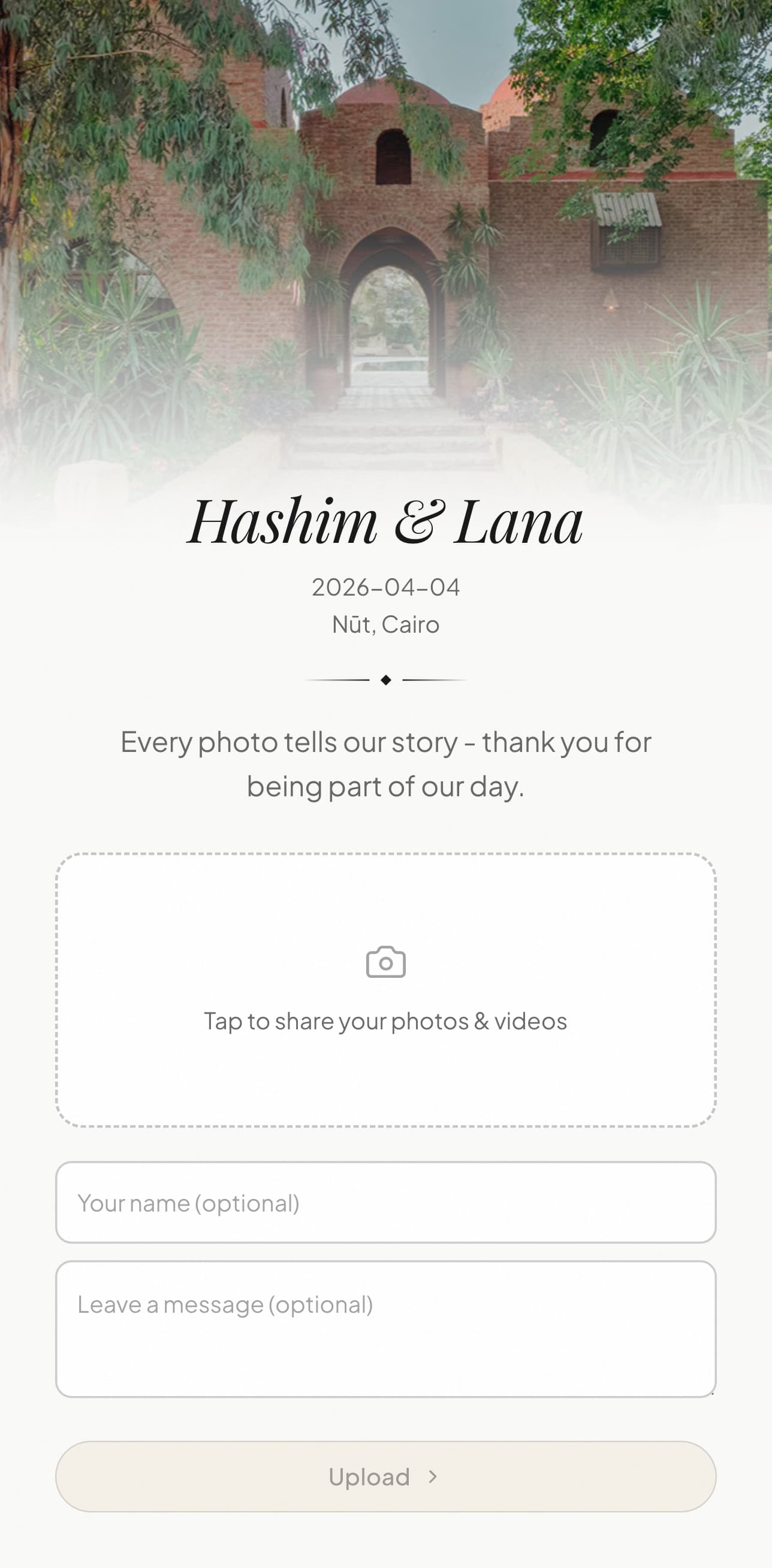
Print your QR on table cards, or share the link directly. Guests scan with their camera. No app to download, no account to make.
The photos find you
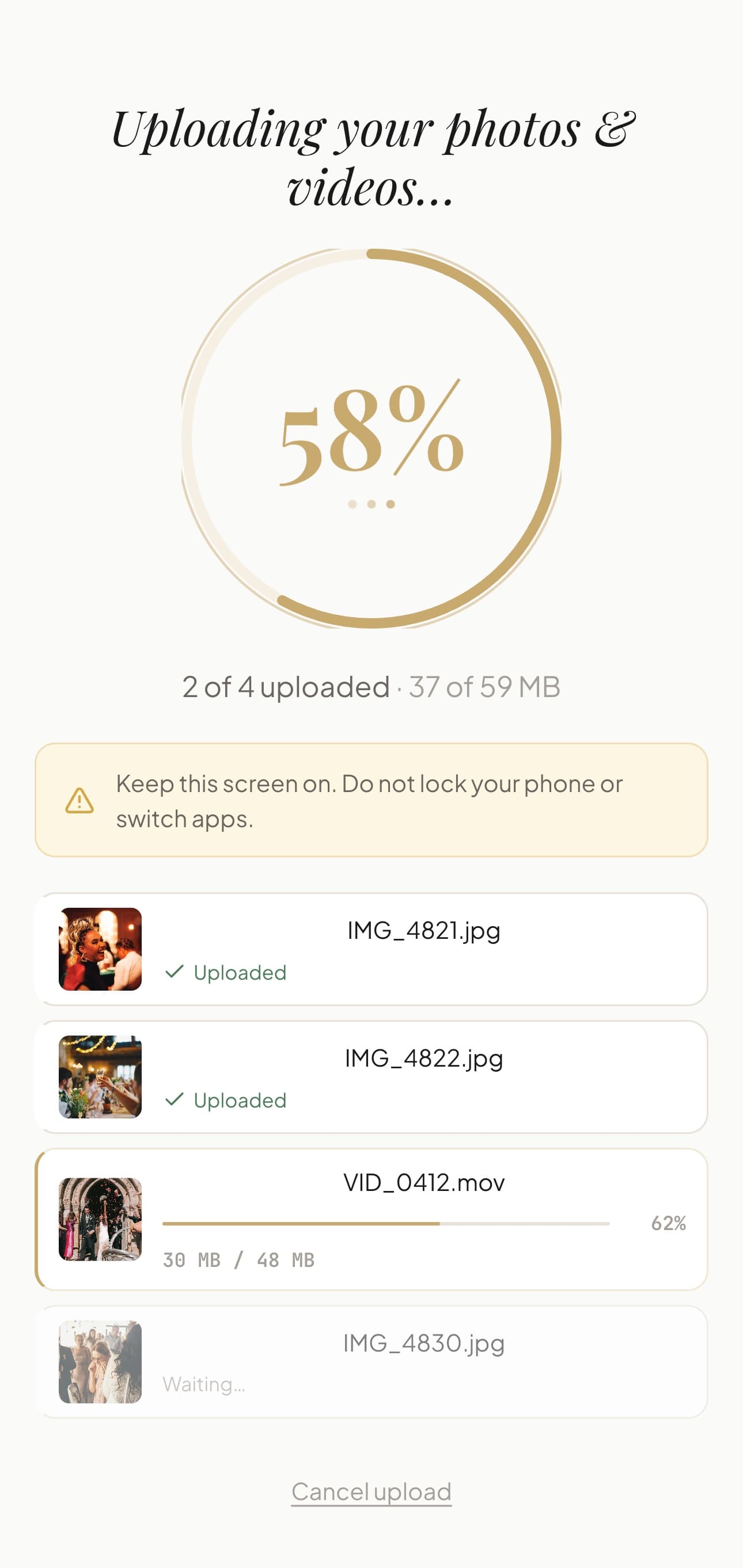
Every upload lands in your Google Drive the moment it's shared: full resolution, filed in one folder for the event with each file named by date, time and guest, yours from the first second.
On every event you watch each upload arrive on a live dashboard, grouped by guest with their names and messages. With the Event Pass, your event also gets a shared gallery on its own link, where guests browse everything that was sent, leave hearts and can save full-quality originals, and a live slideshow for any TV or projector, with your QR code on screen so more guests add theirs.
New to this? See how to collect wedding photos from guests, and why Glint needs no app to download.
Your QR code sits on every table, next to the place cards and the candles. It should look like it belongs there.
Download it print-ready as a PNG or SVG and set it in whatever your stationer designs, or make a 4 x 6 or 5 x 7 inch sign at 300 dpi with the free QR sign maker. The Event Pass adds the full designer: four presets, four dot shapes, three corner styles, your own colors and a logo in the center. Guests scan, photos arrive.
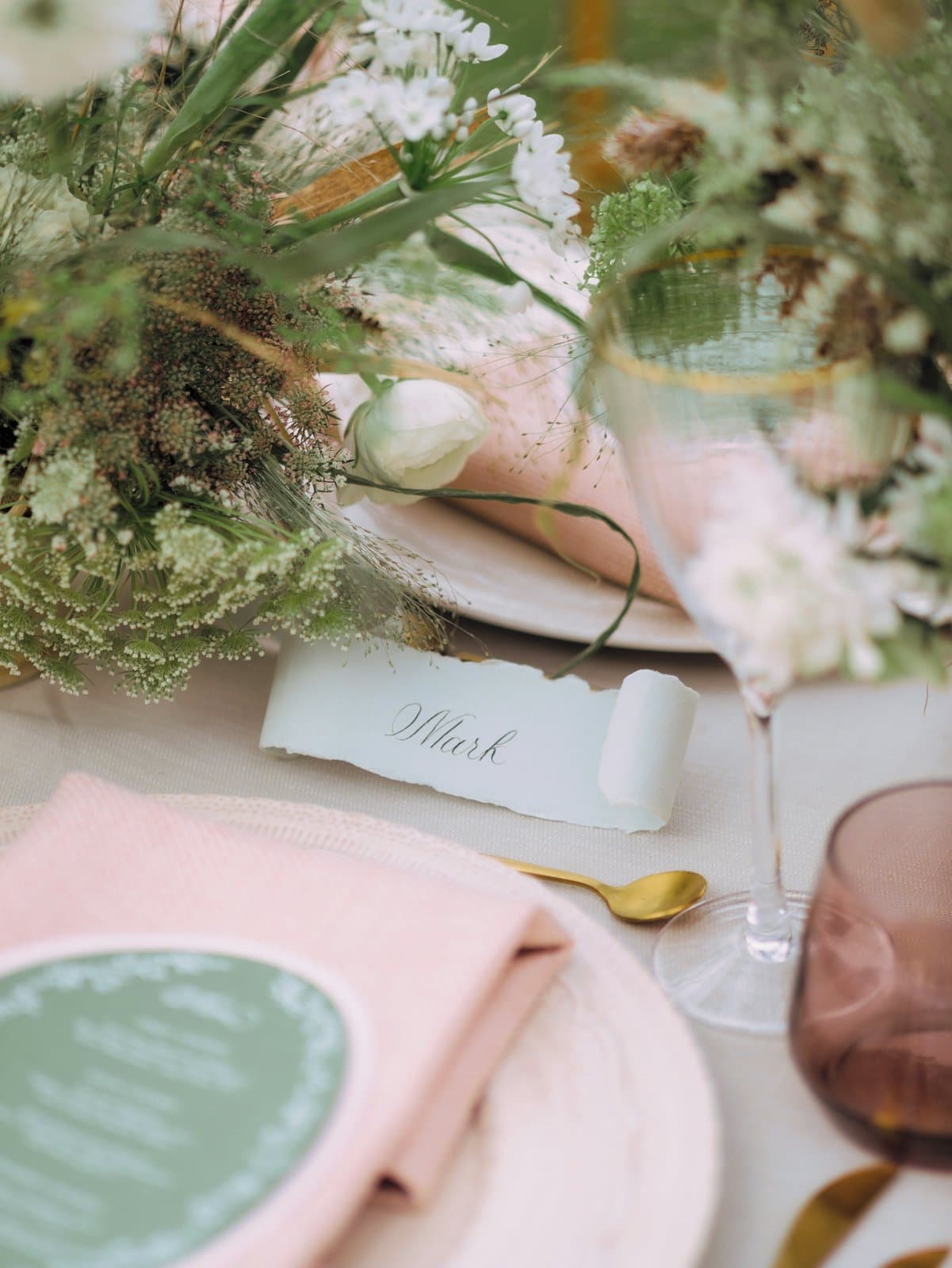
Scan to share your photos · glint.pics
We built Glint for our own wedding. Every tool we tried was ugly, expensive, or kept our photos on someone else’s server, so we made the thing we wished existed: a beautiful link, straight to our own Drive.
Hashim & Lana
Married April 2026 · Glint’s first event. Our story.
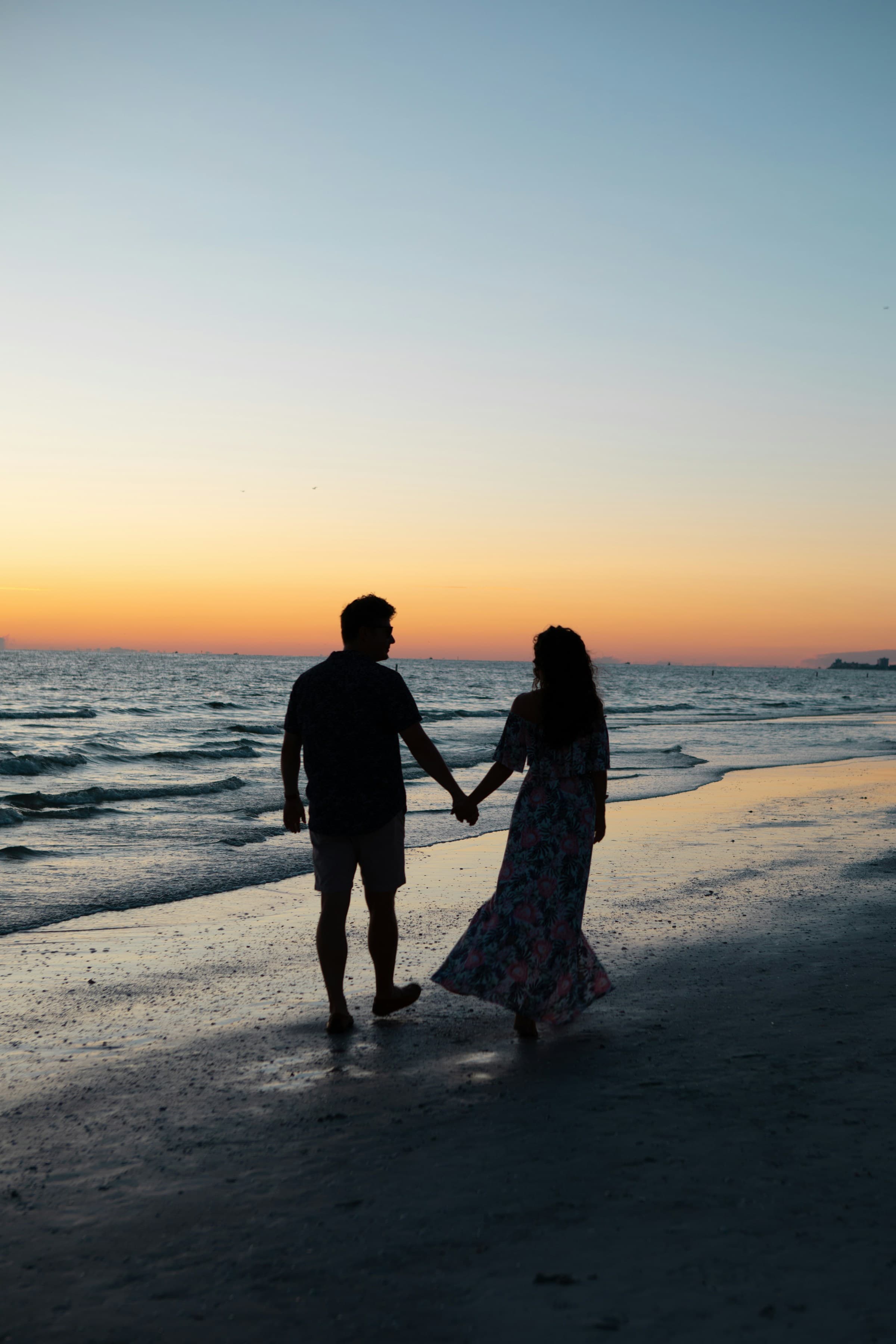
Every moment,
in full quality.
Photos and videos arrive exactly as your guests shot them: full resolution, straight to your Google Drive.
One-time payment per event. No subscriptions, no surprises.
Unlimited uploads · live slideshow · shared gallery · custom QR and colors · no Glint branding on your upload page · 12 months of access
Get startedStill comparing tools? Read the honest 2026 comparison of wedding photo apps and the one question most couples miss: what happens to your photos after the wedding.