Every guest photo,straight to your Google Drive.
Glint sends every guest photo and video into your own Google Drive and never stores a file itself. Guests need no app and no Google account of their own. And Glint asks Google for a single Drive permission, so it can see the folder it made for your event and nothing else you keep in your Drive.
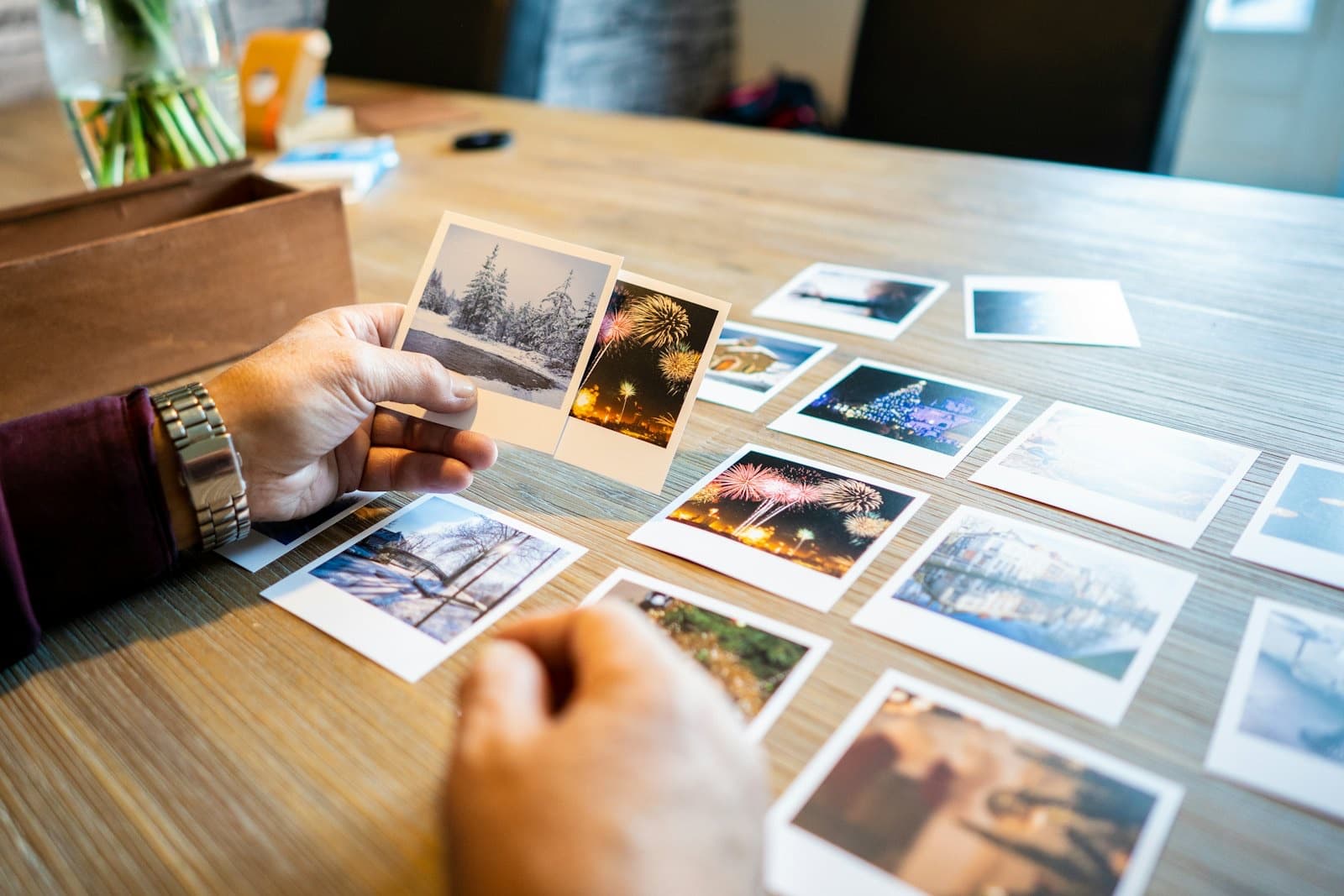
The photos of your wedding should not live in someone else’s app. They should live where you can always reach them, in storage that answers to you and no one else.
Most ways of gathering guest photos quietly take custody of them. A closed gallery app holds your pictures inside its own walls, and the day you stop paying, or the day it shuts down, your album can go with it. We built Glint the other way around. The files never belong to us, because they never pass through us. They go directly into the Google Drive you already have, and they simply stay there.
It is the same idea behind the easiest way to collect wedding photos from a hundred guests at once: ask as little as possible of them, and keep everything they send in one place you own.
There is nothing to install and nothing for your guests to learn. You connect Drive once, share one code, and the photos start arriving on their own.
Connect your Drive once
Sign in as the host and link your Google Drive in a single tap. Glint creates one folder for your event and asks for nothing beyond it. This is the only Google step in the whole process, and only you ever take it.
Share your QR code or link
Glint gives you a designable QR code and a short link for the event. Print it on a table card, add it to the invitation, or drop it in the group chat. Guests scan or tap, and the upload page opens.
Photos land in your folder
Each guest uploads straight from their phone browser, with no app and no login. Every original files itself into your event folder, named by date and guest, the moment it arrives, and you watch the folder fill in real time.
The path is short by design. You connect Drive once. Guests upload. The files land. Here is what that means for who holds your memories, and who can see them.
Where do the photos actually land?
In a folder Glint creates inside your Google Drive, one per event. Every guest upload files itself there as it arrives, named by date and guest, so you open Drive after the wedding to a tidy album, not a chase across camera rolls.
Who holds the files: you, or us?
You do, and only you. The upload travels from the guest's phone to your Drive directly. Glint keeps the guest's name and the file's name, never the file itself, so there is no Glint copy to lose, leak, or hold over you.
How does the connection stay safe?
Glint asks for one of the narrowest Google permissions there is: the kind limited to folders the app creates. It can drop your guests' photos into the event folder and nothing more. The rest of your Drive, your documents, your other photos, stays entirely out of view.
What happens after the wedding?
Nothing you need to do. The originals are already in your Drive at full resolution, up to 500 MB a file by default and 1.5 GB if you raise it. No export, no download deadline, no service to keep paying so your memories survive. They are simply yours, forever.
You can gather guest photos with nothing but a Google Drive folder and a free QR code, and for a small, tech-comfortable crowd it can be enough. It is worth knowing exactly how the hack works, and exactly where it starts to strain, before you trust one wedding to it.
The setup is straightforward. Create a folder in your Google Drive, open its sharing settings and switch the link to “Anyone with the link” as an Editor so people can add files, then paste that link into any free QR generator and print the code for your tables. Scan it, and the folder opens. The trouble is that a shared Drive folder was built for a handful of collaborators you trust, not a hundred guests uploading once from their phones, and that shows up fast.
| Where it breaks | A DIY Drive folder + QR | The Glint fix |
|---|---|---|
| Guests hit a sign-in wall | Adding files to a shared Drive folder needs a Google account, signed in on that phone. | No Google account, no login. Guests upload from any phone browser. |
| Everyone can edit everything | In an editable shared folder, guests can open, and remove, each other’s files. | Each guest sees only their own upload screen; no one can browse or delete the collection. |
| Everything lands in one pile | Files arrive mixed together, named by whatever each phone called them. | Filed by date and guest in your event folder as each one lands. |
| No way to see it filling | You refresh the folder and hope the uploads are coming in. | A live dashboard shows every upload the moment it arrives. |
| Big videos are fragile | A dropped signal mid-upload can mean starting the whole file again. | 4 MB resumable chunks, retried up to four times, resuming from the last byte. |
None of this is a flaw in Google Drive. It is simply the difference between a tool for trusted collaborators and a tool built for one night of a hundred guests. Glint keeps the part you liked about the hack, the QR code and your own Drive, and quietly fixes the rest.
A shared Drive folder sounds like the obvious answer, until a guest opens it and meets a sign-in prompt and gives up. A Google Photos shared album is smoother, but it can quietly compress your originals and blends them into your own library. A closed gallery app removes the friction and takes the photos in exchange. Glint keeps the easy upload and leaves full-resolution ownership with you.
Other tools deliver into Drive now too, and that is a good thing: it was the right place to put your photographs before it was a common one. What still differs is what a tool can reach once you connect it. Glint holds one Drive permission, scoped to the folder it makes for your event, so the rest of your Drive stays invisible to it. That is worth checking on anything you connect, this included. The question is no longer whether the files land in your Drive. It is what else the app can see once you let it in.
| Glint to your Drive | Shared Drive folder | Google Photos shared album | Closed gallery app | |
|---|---|---|---|---|
| Who stores the files | Your Google Drive | Your Google Drive | Google’s cloud, in your Photos | The app’s servers |
| File quality | Full-resolution originals | Full resolution | Can be compressed by Google Photos | Often re-compressed |
| Who owns them | You, from upload one | You | You, but mixed into your library | Held inside the app |
| Guest effort | Scan and upload, no login | Open link, then often sign in | Usually needs a Google account | Varies, sometimes an account |
| After the event | Yours forever, in Drive | Yours, but guests can edit the folder | Yours, blended with your personal photos | Gone if you stop paying |
The full picture of how the uploads, the QR code, and the live dashboard fit together is on the features page. The short version: guests get the simplest possible upload, and you get to keep what they send.
Everything is already in your Drive at full resolution, so the morning after the wedding there is no export to run and no download deadline to beat.
Download the whole folder in one go for a copy on your own machine, back it up wherever you keep what matters, and share the folder straight from Google Drive so parents and friends get the originals too. None of it depends on Glint still being around, because the files were never ours to begin with.
Weighing your options? See the honest 2026 comparison of wedding photo apps, or how Glint stacks up against another Drive-first tool in Glint vs WedUploader. Wondering whether you could just share a Drive folder instead? We answered that in can guests upload to my Google Drive without an account.
The answers below cover where the files live, what we can see, and what happens after the day. For the current plans, see the pricing page.
Where exactly do the photos go?
Straight into your own Google Drive. When you set up your event, Glint creates one folder there for the wedding, and every photo and video a guest uploads lands inside it. The files travel from the guest's phone to your Drive without passing through a Glint library, so there is no second copy anywhere to export from later.
Does Glint keep copies of our photos?
No. Glint stores metadata only: the guest's first name, the file's name, and the small details needed to run the upload page. We never hold the actual photos or videos. The originals exist in your Google Drive, and only there, from the moment they finish uploading.
What Google permission does Glint ask for? Can it see my other files?
Glint connects with one of the most limited permissions Google offers, the kind that can only see folders the app itself creates. That means Glint can write your guests' uploads into the event folder, but it cannot read, list, or touch anything else in your Drive. The rest of your files stay completely invisible to us.
Do guests need a Google account?
No. Only you, the host, connect Google Drive once during setup. Your guests never see Google at all. They scan your QR code or tap your link, a web page opens, and they upload from their camera roll. No Google account, no app, no login, just an optional first name.
Do we own the photos, and do we keep them forever?
Yes. Because the files live in your own Drive, you own every original from the first upload. They are yours to move, download, share, or back up. Cancel Glint, ignore Glint, or outlive Glint, and the photos stay exactly where they are. The live dashboard follows your plan, but the files never depend on us.
Are the photos and videos full resolution?
Yes. Guests upload originals, never compressed copies, so what arrives in your Drive is exactly what they shot. Files up to 500 MB each are supported by default, and you can raise your own event to 1.5 GB, which leaves ample room for long 4K videos. Anything over a few megabytes uploads in resumable pieces, so a brief signal drop pauses the upload instead of losing it.
Do guest uploads use up my Google Drive storage?
They live in your Drive, so yes, they count toward your Google storage just like any file you save there. Every Google account comes with 15 GB free, and that allowance is shared across Drive, Gmail, and Google Photos. You can check how much you have used, or add more space through Google One, at any time. Because Glint uploads originals rather than shrunk copies, a full wedding of photos and 4K video can add up, so it is worth a glance at your storage before the day. Glint itself adds nothing to that total: we keep no files, only the details needed to run the upload page.
Is it free to collect wedding photos to Google Drive?
Glint has a free tier, plus a one-time Event Pass for unlimited uploads and the full toolkit. Since the photos go straight to your own Google Drive, there is never a separate storage bill from us. The current details are on the pricing page.
Is the upload page private?
Yes. The page is reachable only by your unique link or QR code; it is not indexed or listed publicly. Uploads go straight to your Drive, and because Glint can only see the folder it created, your wider Google account is never exposed to anyone, including us.

Straight to your Google Drive. Glint stores nothing.