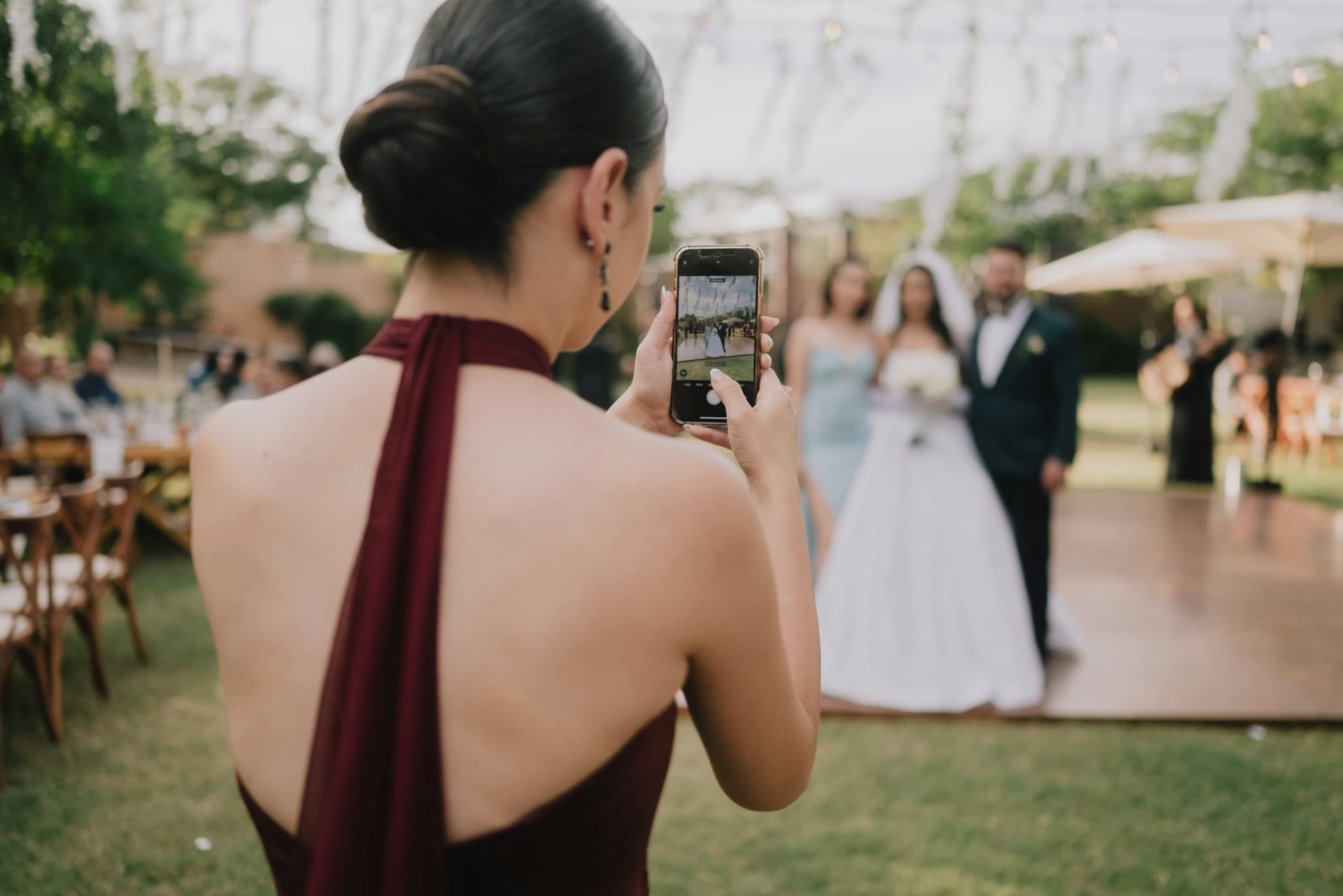
A wedding photo app,with no app.
Glint is a wedding photo app with nothing to download. Guests scan a QR code or tap a link, the upload page opens in their phone browser, and they send photos and videos straight away. No app, no account, no password, only an optional first name. The easier it is, the more guests take part.

It works on any iPhone or Android, on cellular data or WiFi, with nothing to install. If a guest can open a web page, they can add to your album.
Everything runs in the browser each phone already has, so there is no minimum app version to keep updated and nothing that works on only one kind of phone. Guests reach the page the same easy way every time: they point the camera at your QR code and tap the link, or open a short link from a message. No download, no account, no settings to change.
Every step you ask of a guest quietly loses some of them. Download an app. Make an account. Confirm an email. By the third prompt, half the room has put the phone back in a pocket.
The guests with the photos you most want are often the ones least likely to fight through a setup screen: a grandparent, an uncle, the friend who never updates anything. They saw the moment, they have it on their phone, and a download wall is all it takes to keep it there forever. We built Glint to remove that wall entirely. There is no app to find, no account to create, and nothing to learn, so taking part is as easy as sending a text. If you want the wider picture, see how Glint collects wedding photos from start to finish.
What does no app actually mean for a guest?
It means nothing stands between seeing your sign and sending a photo. No app store, no download, no install. The upload page opens in the browser they already have, the moment they scan or tap.
And no login, no password to remember?
None. Guests are never asked to make an account or type an email. We request only an optional first name so you can tell who sent what. Every other step that usually loses people is simply gone.
So how does a guest begin?
They point their camera at the QR code and tap the link, or open the short link from a message. The page loads, they choose photos and videos from their camera roll, and the upload starts. Seconds, not minutes.
Does it still keep the originals?
Yes. Removing the friction does not cost you quality. Files arrive at full resolution, with no compression, straight into your own Google Drive. The easy path and the high-quality path are the same path.
Many wedding photo tools are built around an app. That sounds minor until you watch a room of guests, of every age and comfort level, try to use one at once. Here is where the two approaches part ways.
| App-based photo apps | Glint, no app | |
|---|---|---|
| Install required | Yes, an app-store download first | None, it opens in the browser |
| Account required | Often, a sign-up or password | No, just an optional first name |
| Works for non-technical guests | Hit and miss, setup loses people | Yes, scan or tap and upload |
| Where photos land | Their service, then exported later | Your own Google Drive, at full quality |
The point is not that apps are bad. It is that an app is a wall between a guest and the photo you want, and every wall costs you pictures. Removing it works on any phone, for any age, with no app-store detour. See the full feature set on the features page.
The same design that spares your guests a login keeps your own account private. They never see Google at all; only you connect once, during setup. And when you do, Glint asks for one of the most limited permissions Google offers, the drive.file scope, which lets an app see only the folders it creates. Glint can drop your guests’ uploads into the event folder, and nothing else in your Google Drive is ever visible to it.
Nothing lives on Glint’s servers, either. Photos and videos travel straight from a guest’s phone into your Drive, and Glint keeps only the small details needed to run the page, never the files themselves. The connection to your Drive is stored encrypted, and the upload page is reachable only through your own link or QR code, so it is never public or listed for anyone to find.
Prefer a physical camera? See how a no-app link compares to a POV disposable-camera app, or read the honest 2026 comparison of wedding photo apps.
Is there really no app to download?
Yes, really. There is nothing to install. A guest opens the link or scans your QR code, and the upload page loads in the phone's own web browser. They pick photos and videos and send them straight away. No app store, no download, no waiting on a slow connection to install something.
Do guests need to create an account or a password?
No. Glint never asks a guest to sign up, set a password, or hand over an email address. The only thing we ask for is an optional first name, so you know who sent what. That single skipped step is the difference between a guest contributing and a guest quietly giving up.
How does a guest start, by scanning or by a link?
Either way works. Most guests point their phone camera at the QR code on your sign or card and tap the link that appears. If someone would rather receive it, you can also share a short link in a message. Both open the same upload page in the browser.
Will it work for older or less tech-savvy guests?
That is exactly who we built this for. There is nothing to learn: scan or tap, then choose photos the same way they would attach one to a text. No accounts, no app to find, no settings to change. Removing those steps is what keeps less-confident guests from abandoning the whole thing.
What phones does it work on?
Any modern smartphone with a web browser, on iPhone and Android alike. Because everything runs in the browser, there is no minimum app version to keep updated and nothing that only works on one kind of phone. If a guest can open a web page, they can upload.
Where do the photos actually go?
Every photo and video uploads directly into your own Google Drive, in a folder for your event, at full resolution with no compression. Glint never stores your files; we keep only the small details needed to run the page. We also connect with one of the most limited Google permissions available, the drive.file scope, so Glint can see only the folder it creates, never the rest of your Drive.
Is it safe if guests never log in?
Yes, and the two go together. Guests never touch your Google account; only you connect Drive once, during setup. Glint then asks for one of the most limited permissions Google offers, the drive.file scope, which lets an app see only the folders it creates. So Glint can place your guests' uploads into the event folder while the rest of your Drive stays invisible to it. Your files never sit on Glint's servers, and the connection to Drive is stored encrypted.
Do large videos still go through without an app?
Yes. Files up to 500 MB each are supported by default, raisable to 1.5 GB on your own event, so long 4K clips upload intact. Anything over a few megabytes is sent in resumable pieces, so a brief signal drop pauses the upload instead of losing it. None of that needs an app; it all happens quietly in the browser.