Do Wedding Photos Sent Over WhatsApp Lose Quality?
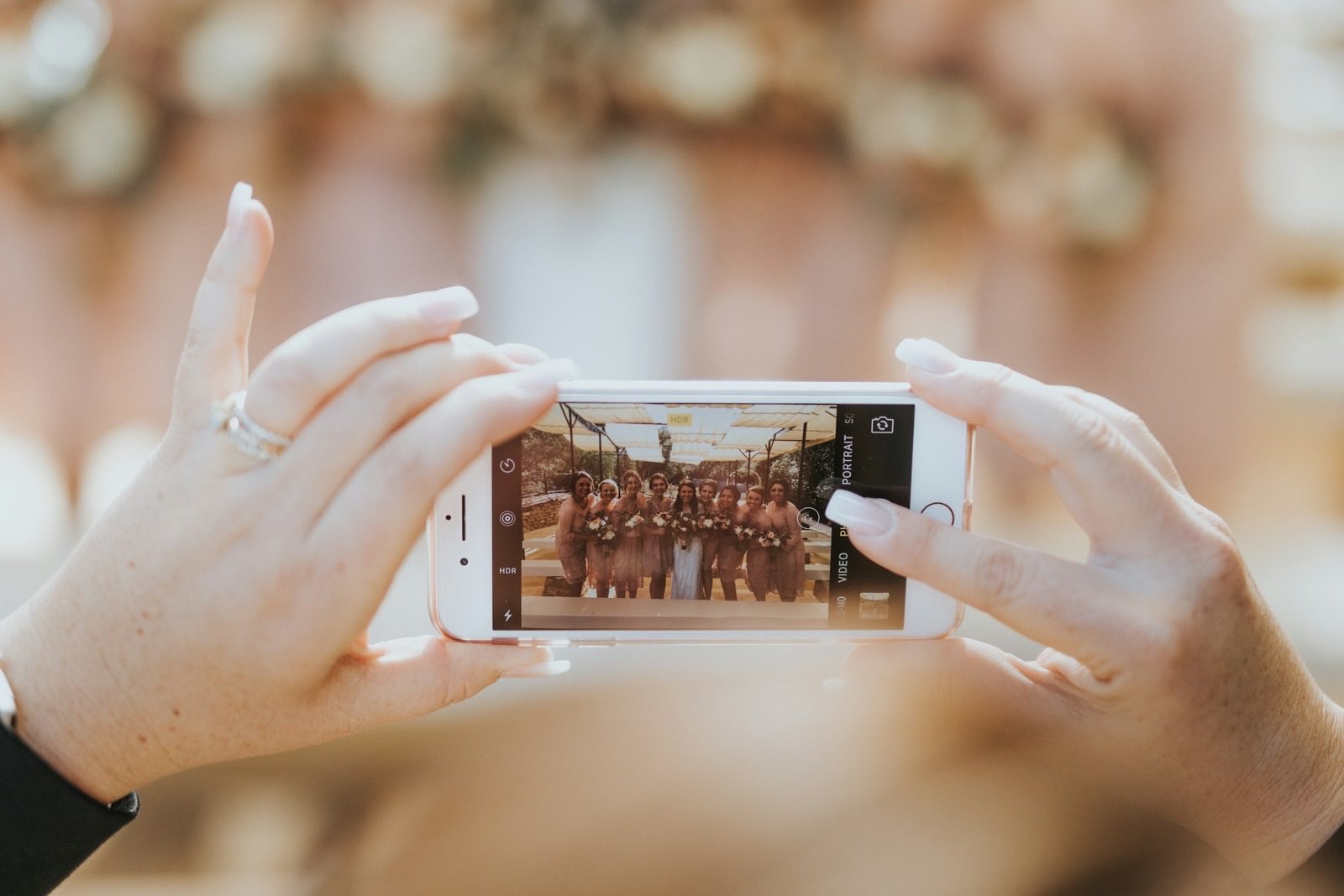
Yes. WhatsApp resizes images sent through the photo picker, typically to around 1600 pixels on the longest edge. A 4032 by 3024 photo from a modern phone arrives at roughly 1600 by 1200, and the file is re-encoded as a smaller JPEG along the way.
The photo still looks fine on a phone screen. It stops looking fine when you print it, crop it, or open it on a laptop.
What the resize actually costs you
A twelve megapixel photo comes out at roughly two megapixels. That is enough for a phone, enough for social media, and not enough for a framed print or a photo book.
The loss shows up first in fine detail: hair, lace, embroidery, the texture of a suit, anything with a soft gradient like a sunset. Those are also the things people photograph at weddings.
There is a way to send originals
WhatsApp does not compress files sent as a Document. Attaching a photo through the document picker rather than the photo picker delivers the original file, at original resolution, with its metadata intact.
This genuinely works. The catch is that it requires every guest to know about it, remember it, and choose the less obvious button while sending. Some will. Most will not, and you will not know which is which until you open the folder afterwards.
What about HD mode
WhatsApp added an HD option, and it is a real improvement over the default. It still caps resolution, commonly around 4000 pixels on the long edge, and still re-encodes the image rather than passing the original through untouched.
HD is better. It is not the same as the file that came off the camera.
The three routes compared
| How the guest sends it | What you receive |
|---|---|
| Photo picker, default | Resized to about 1600px, re-encoded |
| Photo picker, HD | Larger, still capped and re-encoded |
| Document picker | The original file, untouched |
When WhatsApp is fine
If you want a fast, funny stream of pictures on the night, WhatsApp is excellent and everybody already has it. For a group chat that lives for a week, quality barely matters.
It becomes a problem only when the group chat is doing double duty as your permanent wedding album. Those are different jobs, and the second one needs the original files.
Videos are the sharper version of this problem
Video compression is more aggressive than photo compression, and video is where guests capture the speeches, the first dance, and the noise of the room. We wrote about collecting those properly in how to collect wedding videos.
The alternative, briefly
An upload page sidesteps the question by never putting the file through a messaging app. Guests choose photos, the files upload at original quality, and they land in your own storage.
That is how Glint works. There is no compression step because there is no middleman holding the file.
If you do use WhatsApp, ask two or three people you trust to send their best shots as documents. You will not convert the whole guest list, but you will rescue the photos that matter most.
Glint
Collect every photo from your wedding
One link, one QR code. Your guests upload straight to your Google Drive, and every photograph is yours to keep.
Can Wedding Guests Add to a Google Photos Album?
Guests can view a shared Google Photos album without an account. Adding photos is different, and Google's own instructions do not make that obvious.
Can Guests Upload to My Google Drive Without an Account?
Sharing a Drive folder does not let account-less guests add files, and a Google Form does not either. Here is what each one actually requires.
Where to Put Your Wedding QR Code (and How Many You Need)
A QR code only works if guests can see it. Where to place your wedding code, how many you need, and how to make every one scan on the first try.