The Shared Gallery Is Live
Glint now has a shared gallery. It lives at its own link, separate from the code guests scan to upload, and it is built for the phone that will actually open it.
What is there
The whole night, laid out to be looked at rather than filed: every photo and every video your guests sent, in one grid that keeps going. Tap one and it fills the screen; move through the rest from there. Nobody signs in, nobody asks anyone for permission, and nothing about it assumes a laptop.
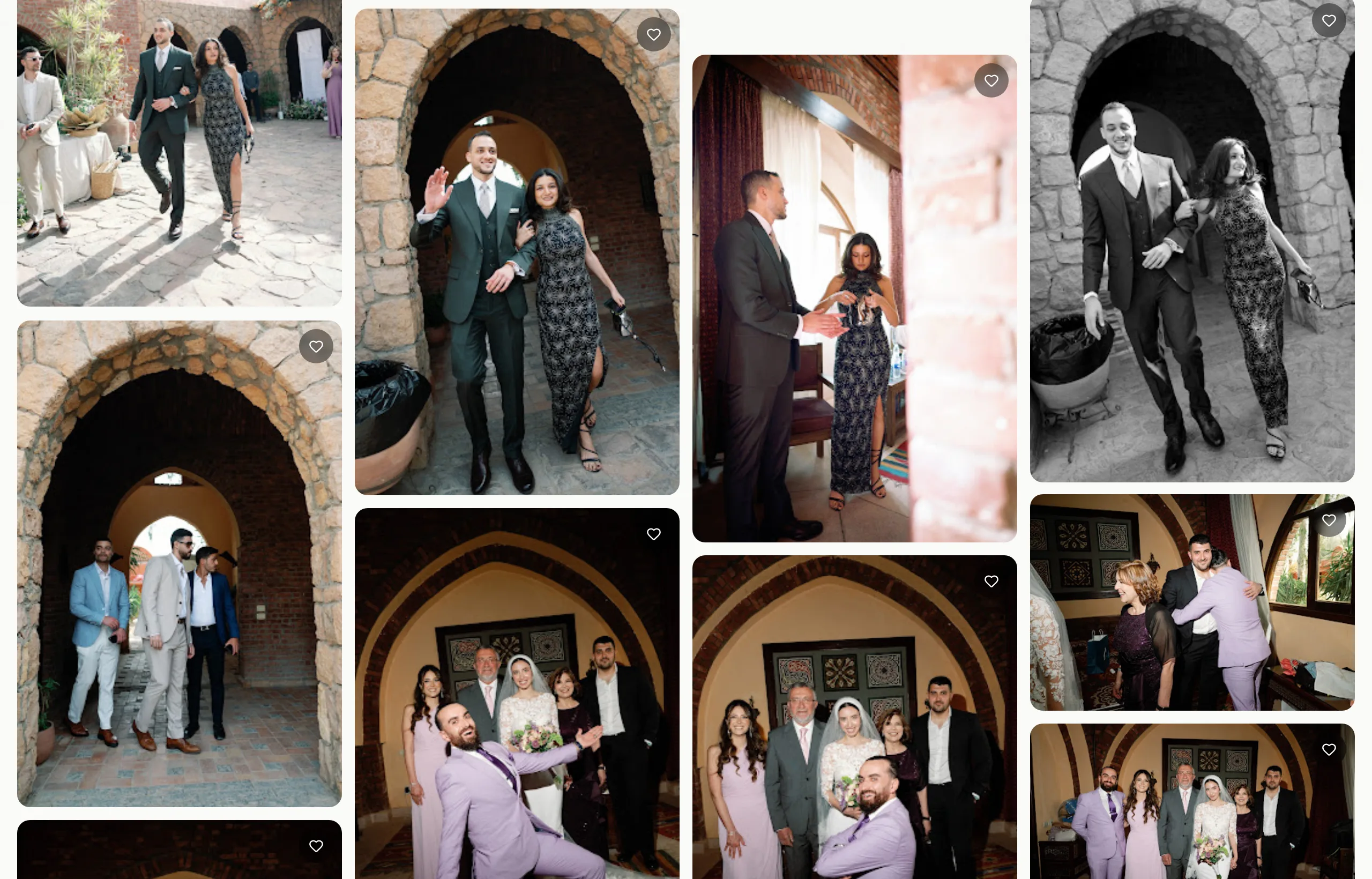
Why it took the shape it did
There is a sentence we have written on our homepage, in our privacy policy, and on most of the pages that explain Glint: your photos never sit on our servers. When we started building the gallery, the obvious way to make it fast was to keep a small copy of every image somewhere close to whoever was browsing. That is how this is normally done, and we got some way into doing it before admitting what it meant. A stored copy is still a copy. The sentence would have quietly stopped being true.
So the gallery holds no image at all. Every tile and every full-size photo is pulled from your own Google Drive at the moment a guest looks at it, passed along, and cached at the edge for a day so the next guest is not waiting on the same fetch. What we keep is the shape of a file, not the file: how wide a photo is, how tall, how long a clip runs. Enough to lay out a grid without ever holding the picture.
It cost us more work than a folder of thumbnails would have. It is the version we can describe to you without a footnote.
The parts you decide
Guests can leave a heart on a photo, and download the full-quality original when you allow it. If you would rather the link were less open than a link, you can set a short access code that a guest enters once on their phone.
The gallery is part of the Event Pass, and it is off until you turn it on in your event settings, because a gallery that opens itself is not a gift. When you do, you choose what it is for: guests viewing and uploading, viewing only, or the way every event still behaves today, uploading only. The second of those is the one couples will want eventually. Uploads close, the night is finished, and the gallery stays open for everyone who was there.
Glint
Collect every photo from your wedding
One link, one QR code. Your guests upload straight to your Google Drive, and every photograph is yours to keep.